
Stay on top of every request, unit by unit.
PraticOS is the building maintenance app for people who have to answer for every request. See what's stuck, show before and after photos and keep each unit's history at hand.
Illustrative image.
- Customer
- Maple Court HOA
- Unit
- Building B · Apt 1204 · 12th floor
- Service
- Leak in bathroom ceiling
- Total
- $680.00
Approved by customer
- Start free
- iPhone and Android
- Customers approve without installing anything
From resident request to documented repair
Each request keeps its unit, photos and approval, ready to show the manager or the builder.
Say the request and AI builds the order
Tap Speak and say something like: “Jardim das Flores condo, tower B, unit 1204, leak in the bathroom ceiling”. Or photograph the written request. The AI fills in customer, unit and services with your catalog prices and marks what it filled with ✦.
- The right unit: development, building or tower, number and floor
- Affected system and unit handover date
- Nothing is saved until you check it
Plan the visit
Set the day and time on the order. It shows up on the Schedule on that day and your phone reminds you before the visit.
- The whole week in view, with each day's visits
- Daily summary at 9am, if you want it
- Reminder before the visit, even with the app closed
Document with photos and a checklist
Build checklists with your inspection items — plumbing, electrical, waterproofing — and fill them in on site, with photos on each item.
- Yes, no, N/A, notes and a photo on each item
- Before and after photos on the same work order
- Work order PDF to send to the manager or builder
Approve, resolve and bill
Send the quote as a link for approval. Once the repair is done, record the payment in full or in parts.
- Approval kept with the request
- Partial payment and discount on the same work order
- What each customer still owes, in Financial
Where building maintenance loses control
The repair is rarely the problem. It's the request lost in the group chat, the poorly identified unit and the leak that comes back with no history.
-
Requests lost in the group chat
A resident sends a photo, the manager forwards it, and a week later nobody knows if anyone went.
Every request has a clear status, from quote to resolved, and you see what's stuck.
-
Half a unit address
“Apt 302” — which building? Which development? The crew goes to the wrong door.
The crew goes to the right door: development, building, number, floor and type.
-
The same leak, for the third time
The water comes back and nobody knows what was already done in that apartment.
Look up the unit and see past requests, with photos and materials used.
-
Warranty claims argued without data
On builder warranty service, a resident asks for a repair and nobody checks when the unit was handed over or which system failed.
Decide with the unit's handover date and the affected system in hand.
-
Repair done, resident unhappy
With no before photo, the resident says the problem was something else or the fix made it worse.
Show the before and after photos. Residents and managers follow progress by link, without calling.
-
A schedule kept in your head
Two developments, urgent calls in between and visits booked by text. Someone ends up waiting.
Every visit on the Schedule, with a phone reminder before it.
PraticOS speaks your trade's language
Pick your trade and the app is ready your way: vehicle at the auto shop, device at the phone repair shop, equipment in HVAC. Find yours:
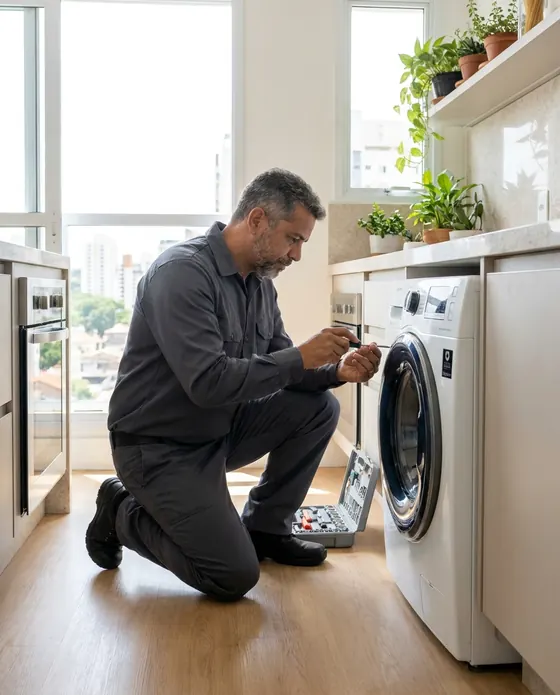

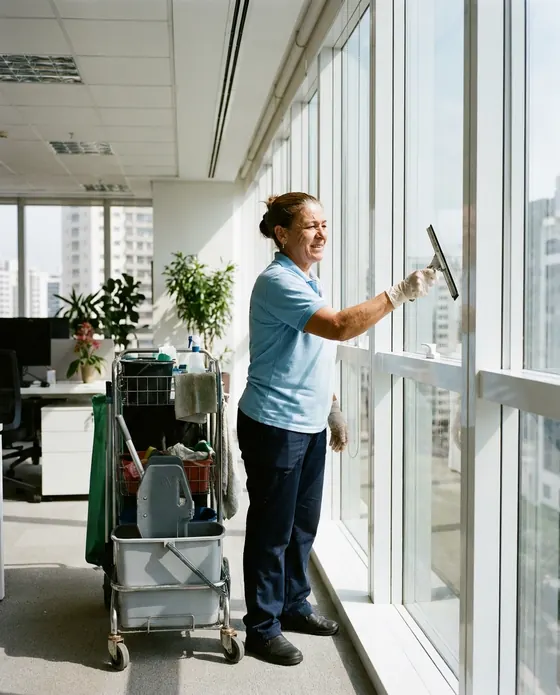
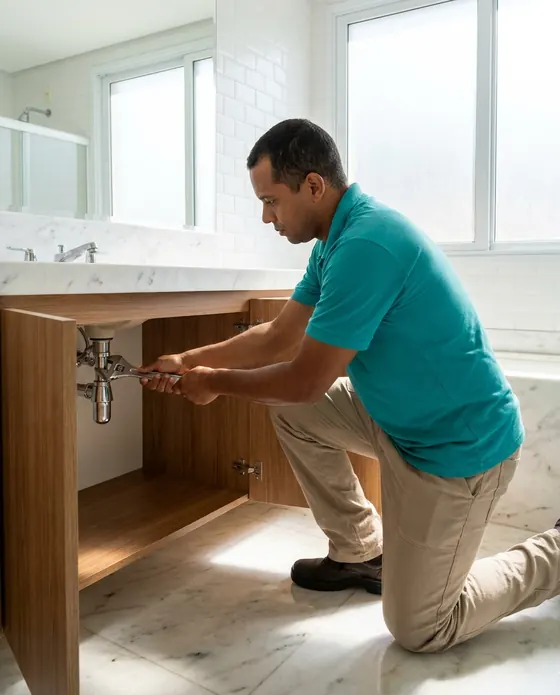
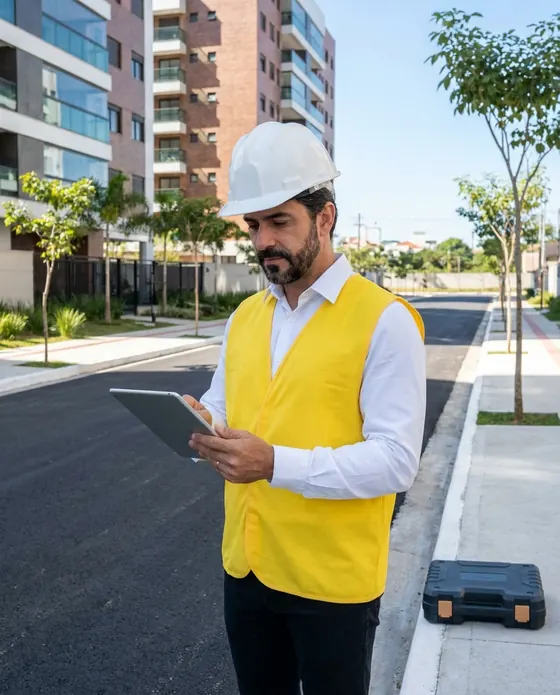

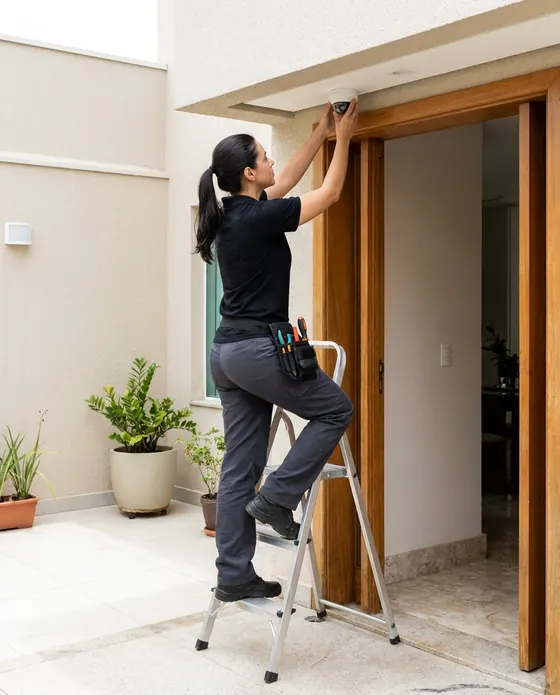
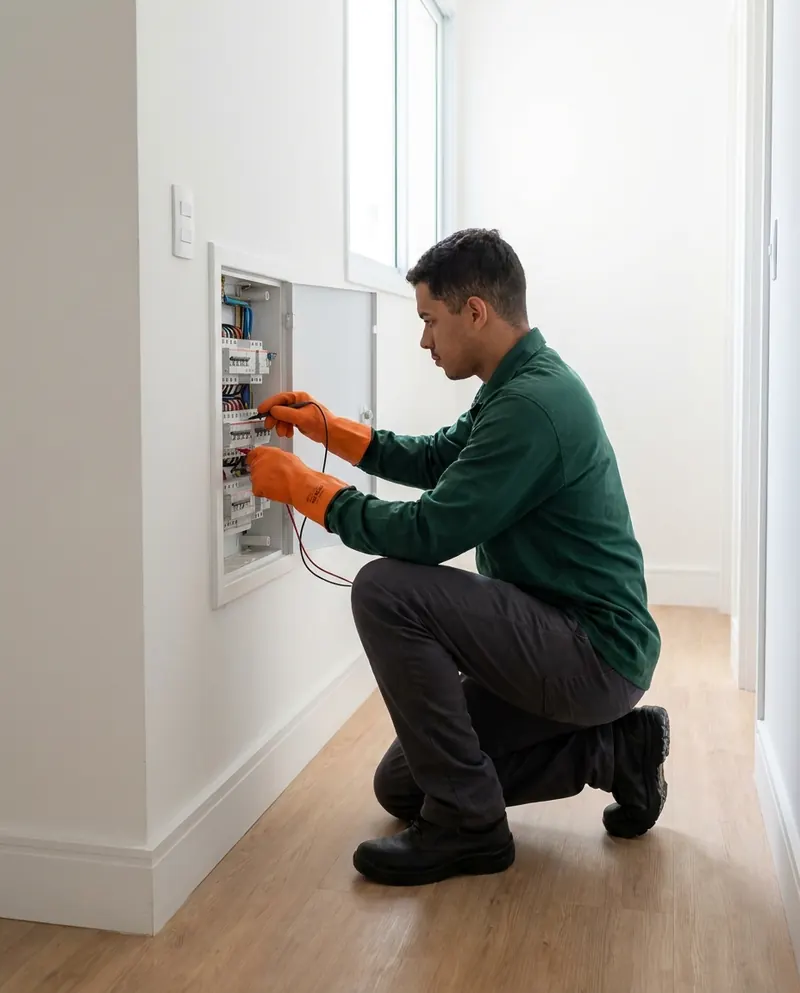
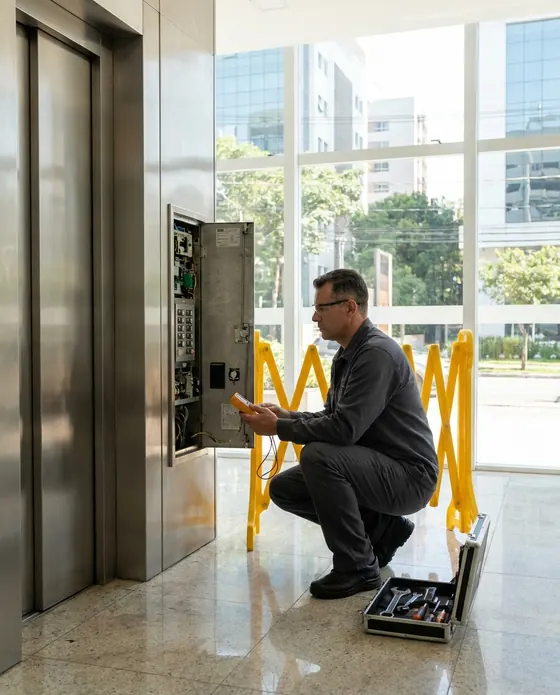
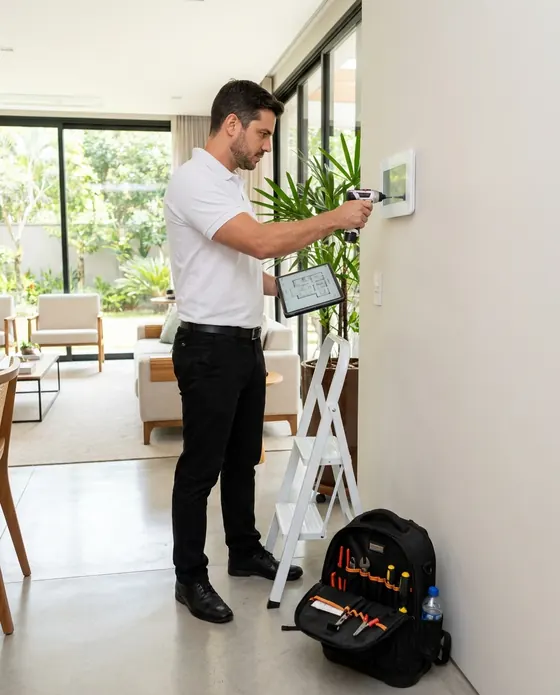

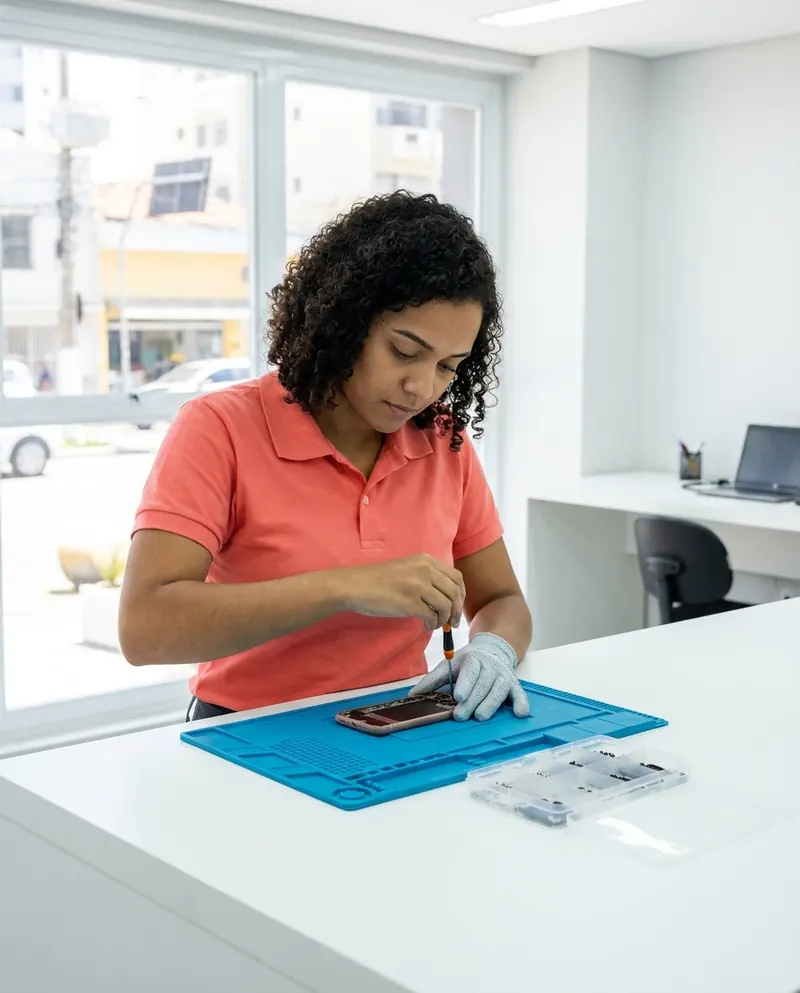
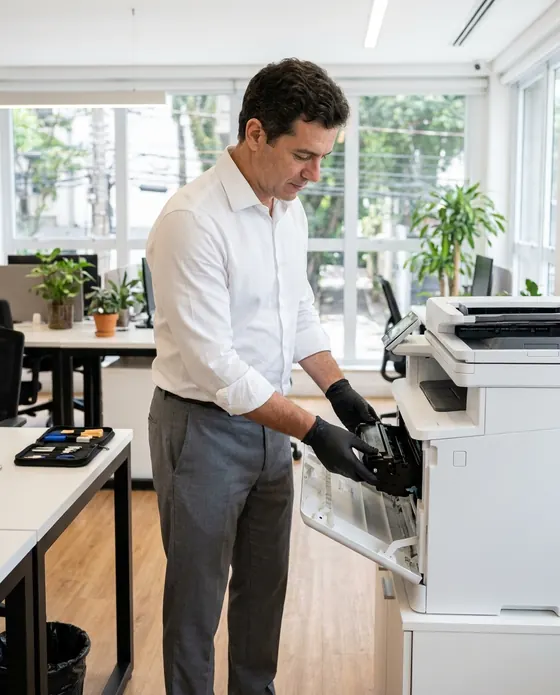
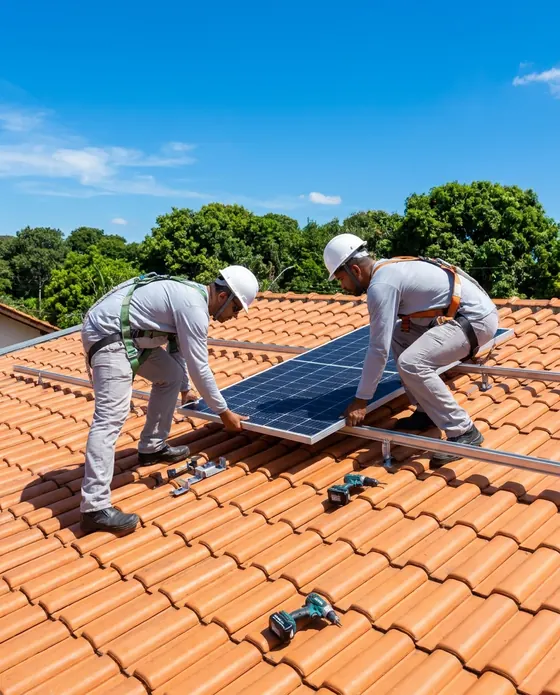
Illustrative images.
What building maintenance teams ask us
If your question isn't here, write to us. The PraticOS team answers it.
Do I have to pay to use it?
You can start free, with no limit on work orders or customers. The free plan has a monthly limit on photos and AI use, and one checklist template. Paid plans, subscribed in the app, raise those limits and unlock your team.
Does it work for builder warranty service?
Yes. The building maintenance segment covers post-handover warranty, corrective and preventive maintenance and common areas. The unit keeps its handover date and the work order records the affected system.
Can I see everything done in an apartment?
Yes. Search for the unit in the work order list and every request for that apartment shows up, with photos and services.
Does the app come with inspection checklists?
For building maintenance you build your own: choose the items, the answer type and where to ask for photos. Then apply the same checklist to any work order.
Do residents or managers need to install an app?
No. They get a link, open it in their phone's browser and see the work order with photos and status. They can approve the quote and leave comments right there.
Download it and open your first order today.
Start free. Paid plans available in the app.
Questions? praticos@rafsoft.com.br FAQ