
Every measurement documented, every contract under control.
PraticOS is the public works software that gives departments and contractors control over every contract. Measurements and inspections with photos from a phone, the balance to release always in view, and records in order for the audit.
Illustrative image.

- Contractor
- Greenvale Construction LLC
- Project
- Repaving of Acacia Street
- Current milestone
- Drainage · 45% complete
- Contract value
- $640,000.00
- Start free
- iPhone and Android
- Customers approve without installing anything
From signing to acceptance, all of it documented
Every measurement and inspection stays on the contract, with photos, ready for the audit.
Say the contract and AI builds the order
Tap Speak and say something like: “Greenvale Construction, repaving of Acacia Street, drainage milestone measurement”. Or photograph the paper work order. The AI fills in contractor, project and catalog items and marks what it filled with ✦.
- Bid type and number, contract number, deadline and legal basis
- Responsible department, location and project scope
- Nothing is saved until you check it
Inspect on site
The inspector fills in the progress inspection on a phone, on site. The legal compliance checklist checks the contractor's paperwork.
- Workers and equipment on site
- Schedule on time, late or ahead
- Insurance, tax clearance certificates and environmental permit
Document every measurement
The physical measurement goes on the form, with photos. The financial measurement is entered on the contract and updates the balance.
- % planned and % complete per milestone
- Deductions recorded when they apply
- Contract value, amount released and balance to release
Accept the work on record
Close the contract with the acceptance form. On Home, you see where each contract stands, open or completed.
- Provisional or final acceptance
- Contract PDF with the measurement history
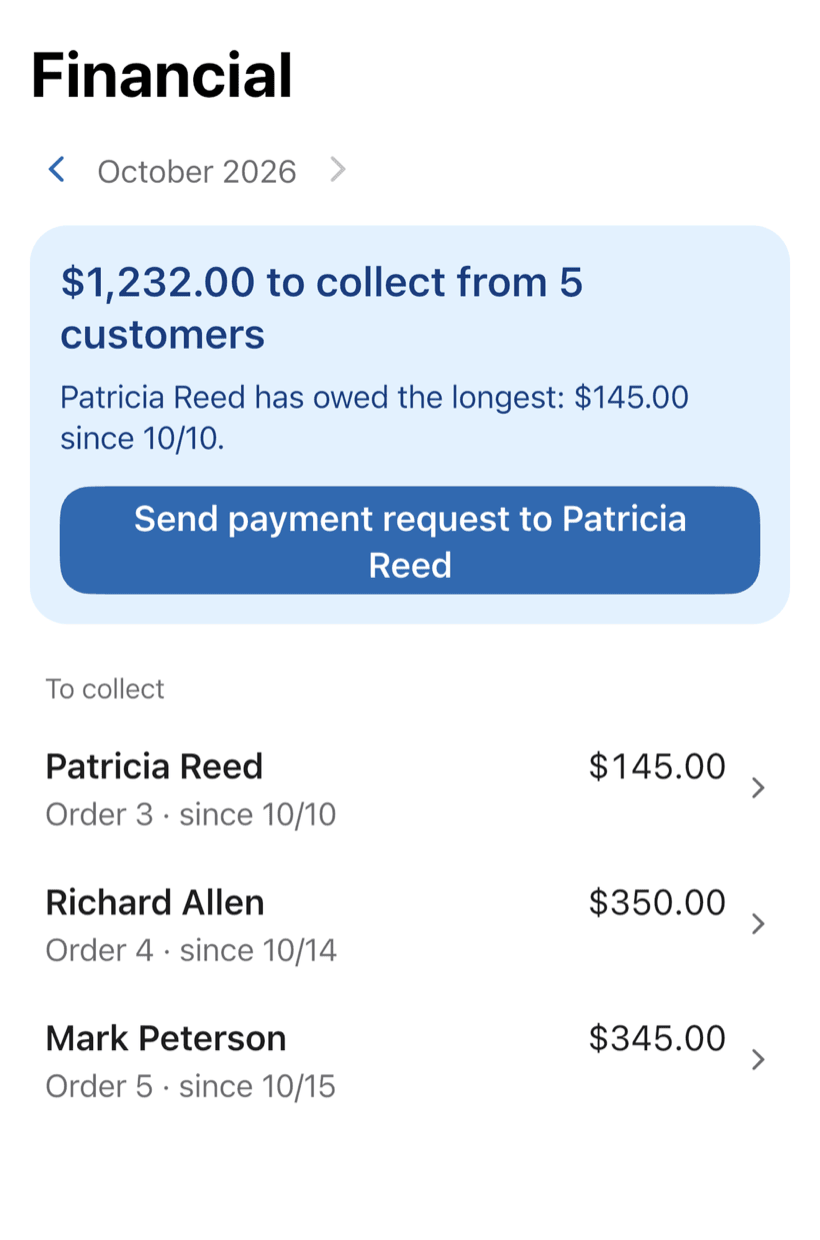
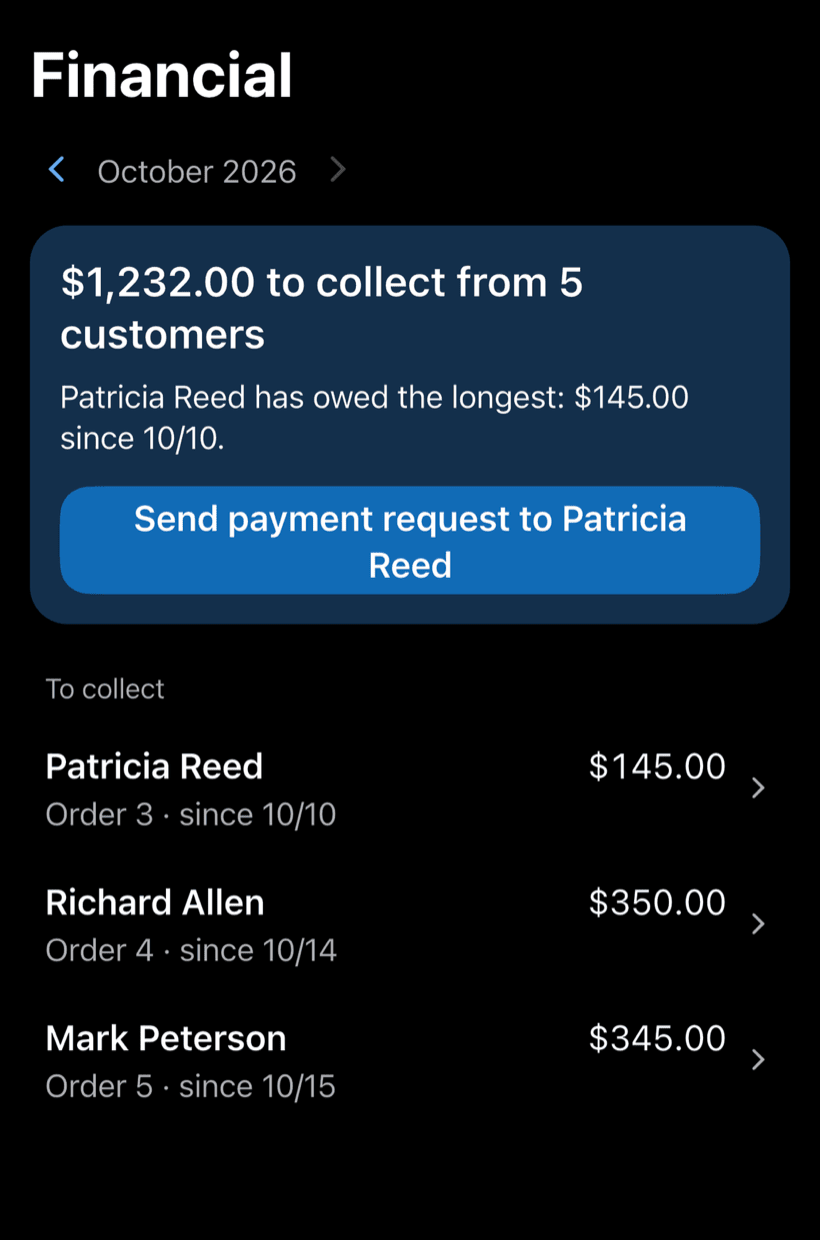
- Monthly report in Financial
Where public works lose control
The work moves forward, but the information lags behind: measurements in a spreadsheet, photos on the inspector's phone and a balance worked out the night before the audit.
-
Measurements in loose spreadsheets
Each inspector uses a different template. Planned and actual percentages don't match what was paid.
Standard measurements by milestone, with photos, and a contract balance that stays up to date.
-
Inspections with no record
The inspector went to the site, but nobody wrote down how many workers were there, which machines or whether the schedule was on track.
Document the visit: workers, equipment, schedule, reasons for delay and photos.
-
Photos scattered across phones
The site photos are on the inspector's phone. When they go on leave, nobody can find them.
Photos stay with the contract, not on anyone's phone.
-
Contract details in different folders
The bid number in one file, the contract deadline in another, the assigned inspector in an email.
Bid, deadline, legal basis, assigned inspector and current milestone in one place.
-
Contractors who don't know what was measured
The contractor calls to ask what was approved in the measurement, and the answer depends on who picks up.
Send the link: the contractor follows progress and photos, with nothing to install and no access to other contracts.
-
Handover with no acceptance form
The project was delivered, but nobody recorded whether the scope was met or which fixes were still pending.
Close with an acceptance form: provisional or final, scope met and pending fixes.
PraticOS speaks your trade's language
Pick your trade and the app is ready your way: vehicle at the auto shop, device at the phone repair shop, equipment in HVAC. Find yours:


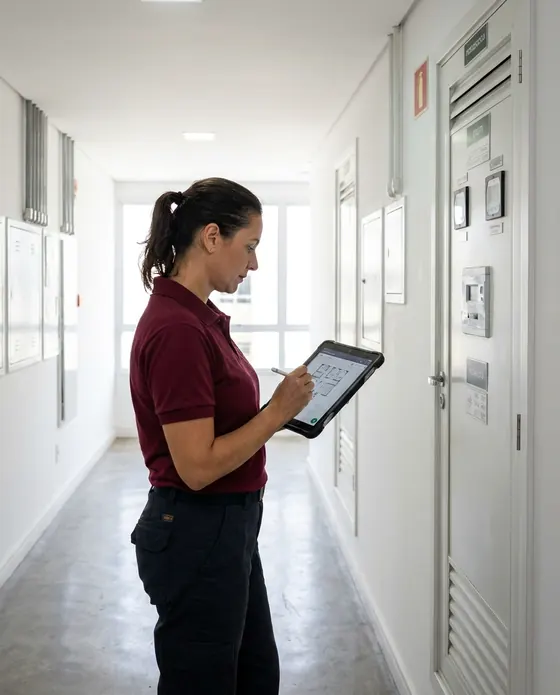

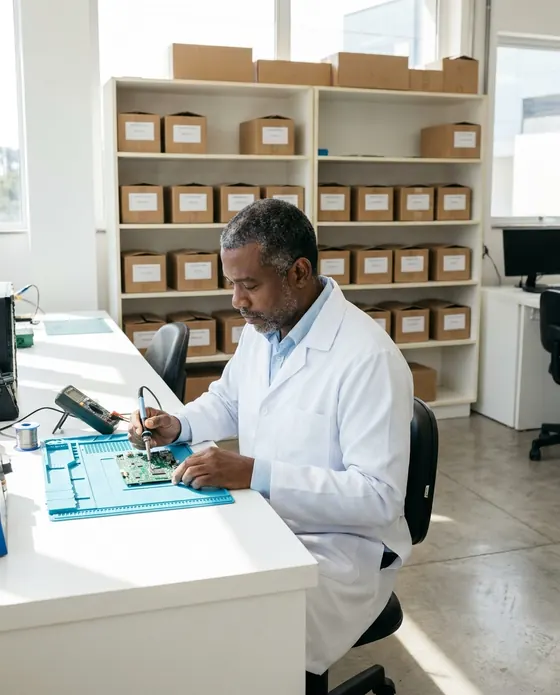



Illustrative images.
What public works teams ask us
If your question isn't here, write to us. The PraticOS team answers it.
Does PraticOS replace our procurement system?
No. It tracks how the contract is carried out after the bid: measurements, inspections, acceptance and balance. The bidding process stays in the system you already use.
Can I add contracts that are already underway?
Yes. Add the contract with its value and the percentage already completed. Tracking starts from there.
Can the site inspector see contract values?
Not if they join your Team (profile button at the top of Home) as a Supervisor: they run inspections and physical measurements without seeing figures. Adding other people to the Team takes a paid plan, subscribed inside the app.
Can the contractor use the app?
Yes, without an account: send them the contract link and they follow progress, see photos and comment from a browser. If they also use PraticOS for their own projects, each of you keeps your own account.
How much does it cost?
You can start free, with no limit on work orders or customers. The free plan has a monthly limit on photos and AI use, and one checklist template. Paid plans, subscribed in the app, raise those limits and unlock your team.
Download it and open your first order today.
Start free. Paid plans available in the app.
Questions? praticos@rafsoft.com.br FAQ