
Finish the job. Hand over the proof from your phone.
PraticOS is the pest control app that replaces paper tickets with your phone. Schedule the visit, show what was applied and where with photos, and get quotes approved by link.
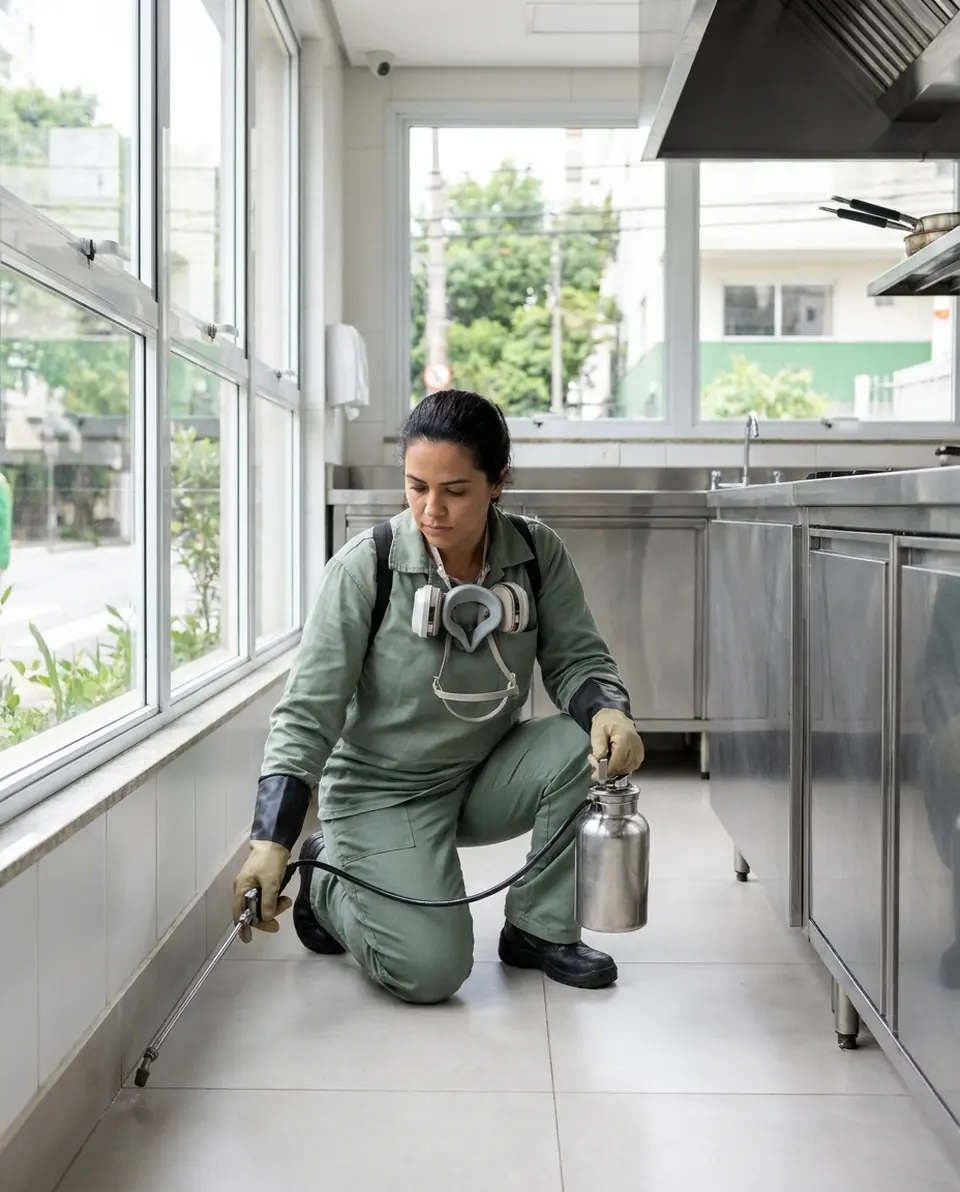
Illustrative image.
- Client
- Village Kitchen Diner
- Areas
- Kitchen, storage room and exterior
- Treatment
- Gel bait along baseboards · 12 bait stations
- Total
- $240.00
Approved by client
- Start free
- iPhone and Android
- Customers approve without installing anything
From the first call to getting paid, no paper tickets
You schedule, treat, show the client what you did and get paid, all from your phone.
Say the job and AI builds the work order
On New order, tap Speak and say “Paulo's restaurant, kitchen and storeroom treatment”, or take a photo of the written order. The AI fills in the client, services and prices from your catalog. You check it and save.
- Everything the AI filled in is marked with ✦, and you can undo it
- Fix it by speaking: “the storeroom is 200”
- Client, address and service on one work order
Plan your week
The work order date and time put the visit on the Schedule. You see the week on top and what is booked each day.
- The whole week in view, with every visit's time
- Daily summary at 9 a.m., if you turn it on
- Phone reminder before each visit
Prove what you applied
Build the checklist the way you work — target pest, product, lot, dilution, treated areas, recommendations — and fill it in on site.
- Build it your way, with the items you need
- Photos on every checklist item
- One template for every visit
Let the client approve
The client opens the work order in a browser, nothing to install. They see services, photos and prices, approve it and leave comments.
- The client's yes is kept on file
- PDF with the completed checklist and photos
- Clients follow progress without calling
Get paid for the job
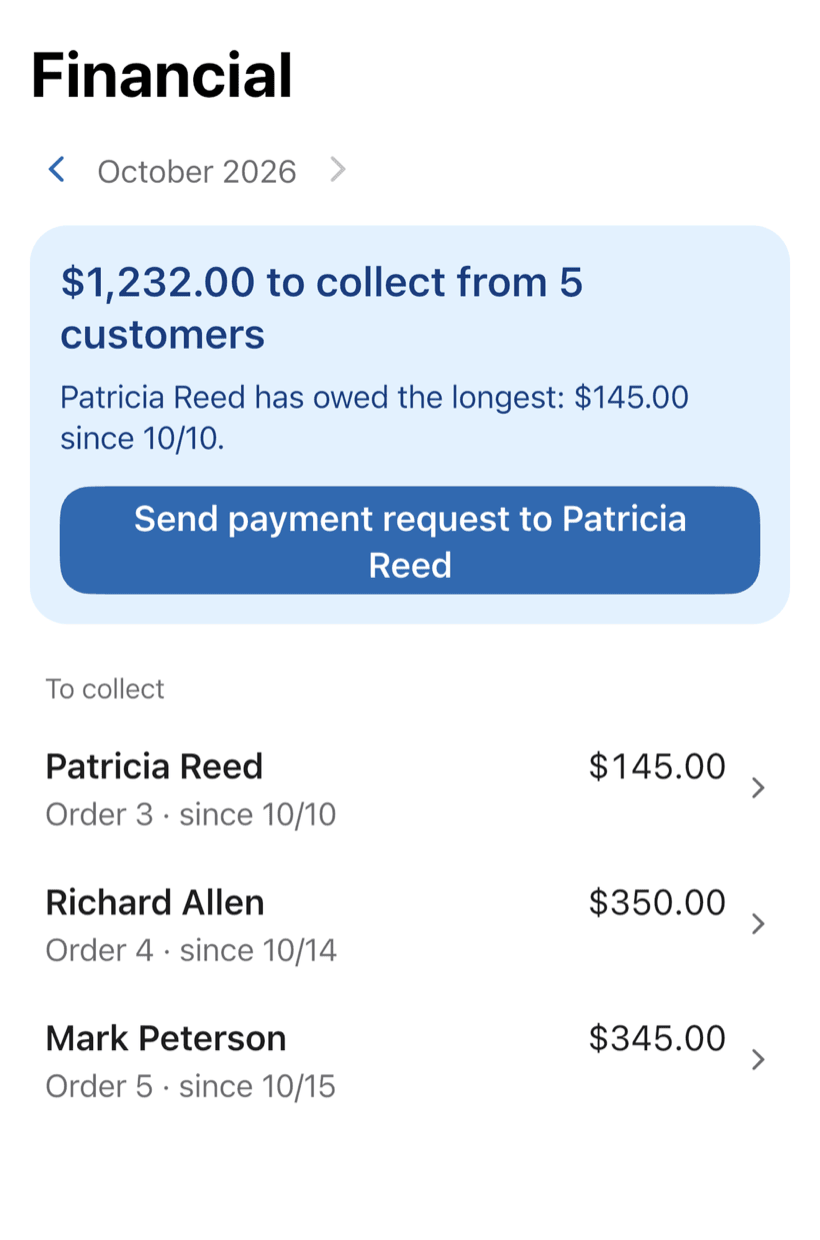
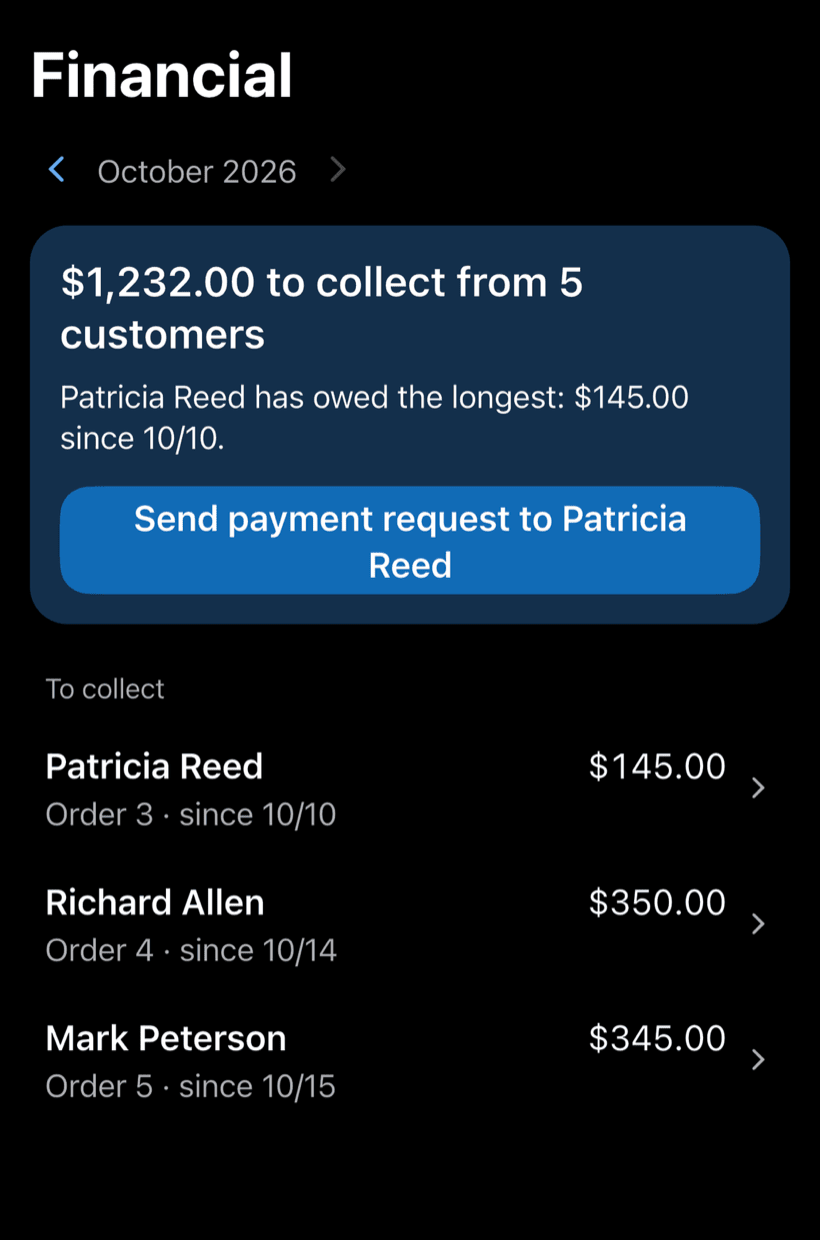
Record the payment in full or in parts, with a discount if needed. The Financial tab shows who still owes you, and you can send the customer a payment request.
- Payment in parts and discount on the same work order
- Monthly report of what came in
- Everyone who still owes you, in one list
What's costing your pest control business
Calls aren't the issue. Money slips away in the paper ticket that never comes back, the tech who shows up blind and the client demanding proof.
-
The paper ticket went missing
The ticket gets wet, torn or left in the truck, and what was done only gets written up days later.
Close the job on your phone, on site, with photos. Nothing to write up later.
-
Clients demanding proof
A restaurant, building or school wants to know which product was used, in which areas and on what day.
Hand over a PDF with product, lot, dilution, treated areas and photos.
-
Techs showing up blind
On a return visit, nobody knows where the activity was or what was applied last time.
Look up the client and see what was done before, with photos and notes.
-
A schedule that doesn't add up
Two visits at the same time, a tech crossing town and a client waiting.
See the whole week and get a phone reminder before every visit.
-
Prices that turn into arguments
The price was said on a call and, when it's time to bill, the client remembers a different number.
The client approves the quote by link, so the price is agreed in writing.
-
Closing the month in the dark
Paid on the spot, buildings that pay at month-end and clients who pay next month, all in the same notebook.
Know what came in, what's still owed and by whom.
PraticOS speaks your trade's language
Pick your trade and the app is ready your way: vehicle at the auto shop, device at the phone repair shop, equipment in HVAC. Find yours:
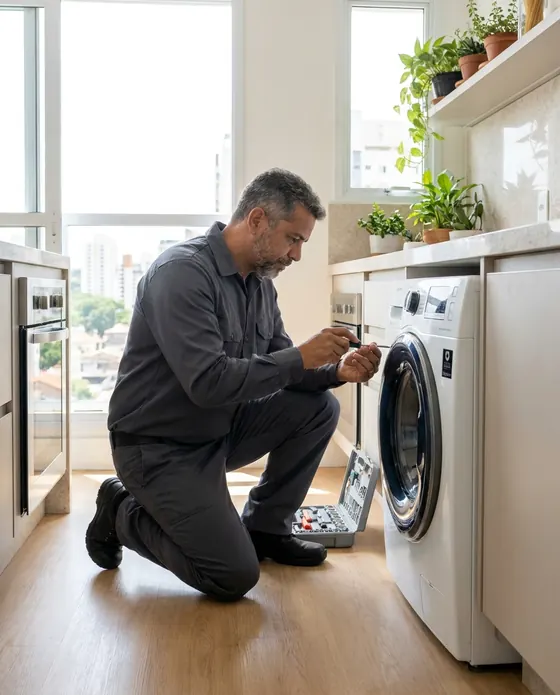

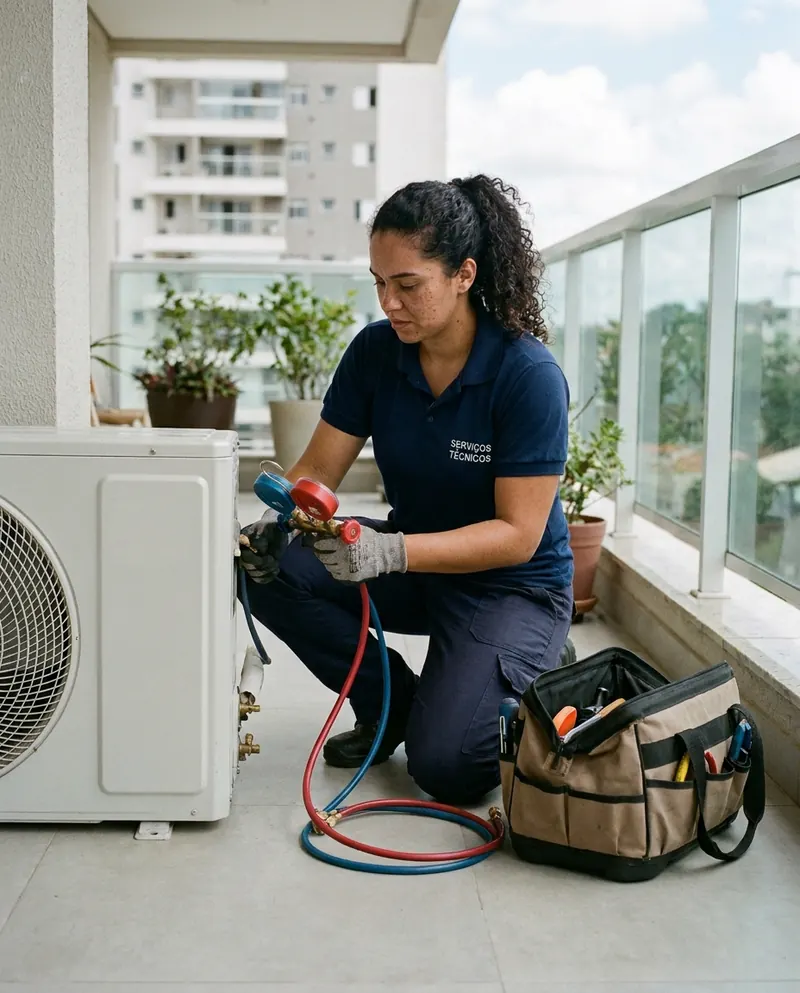
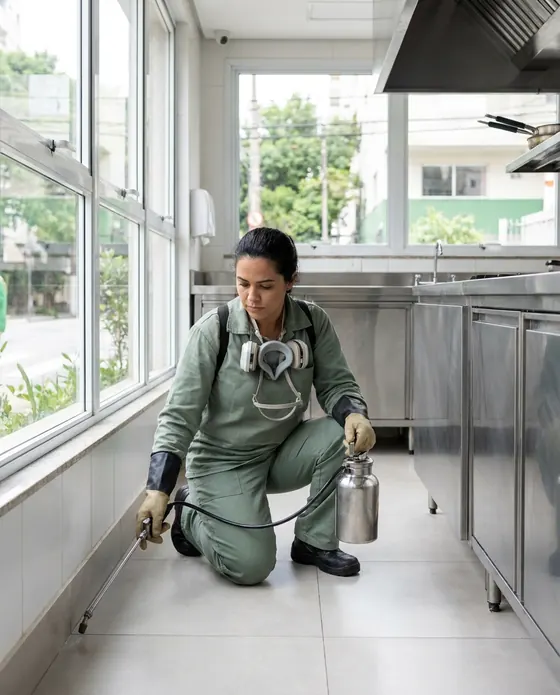
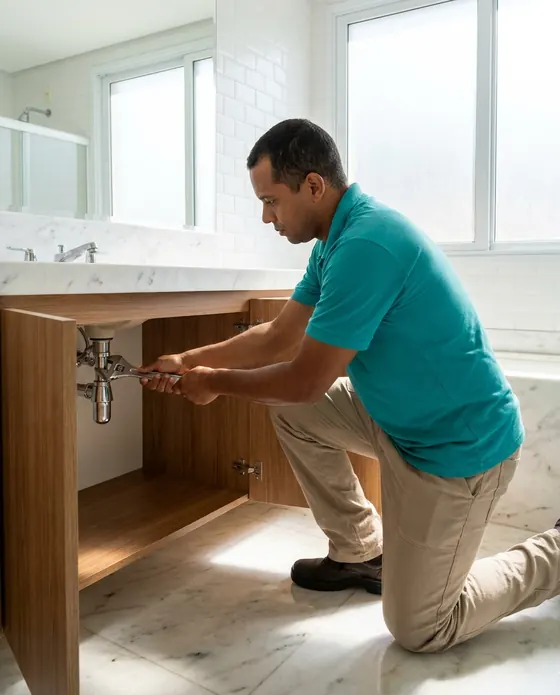


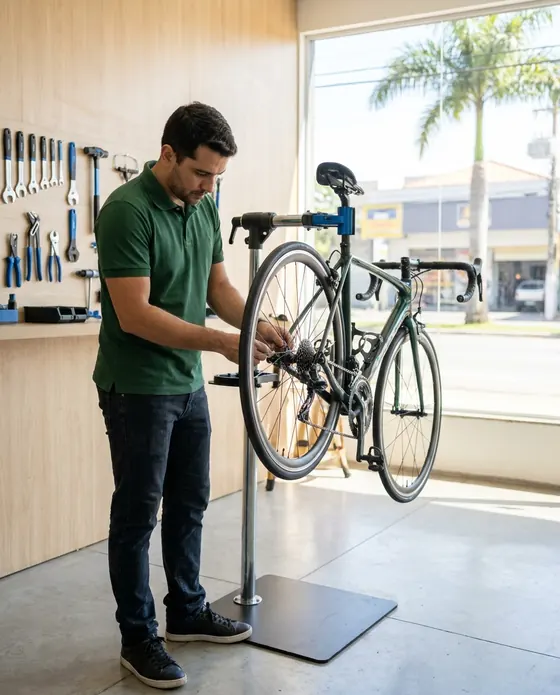

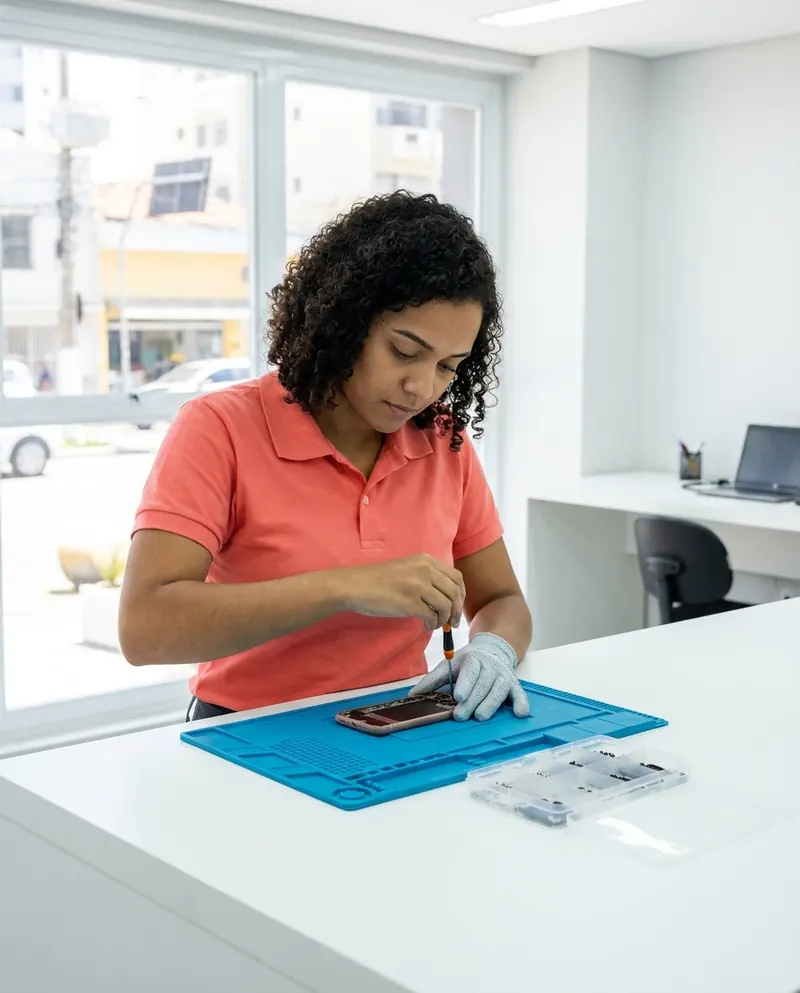
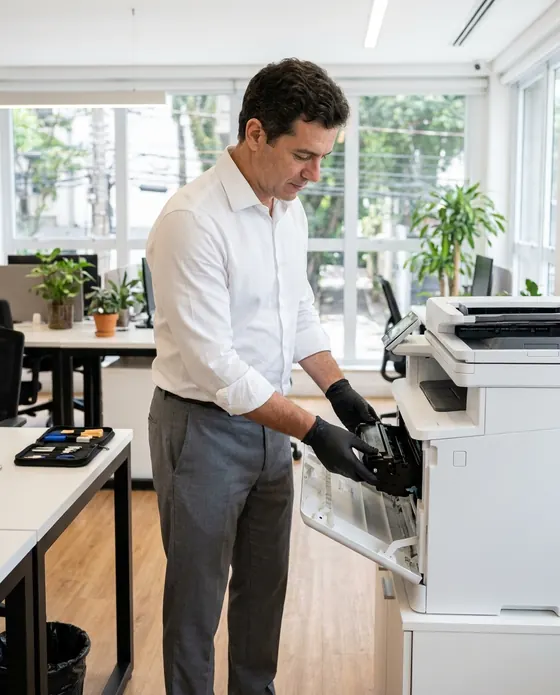
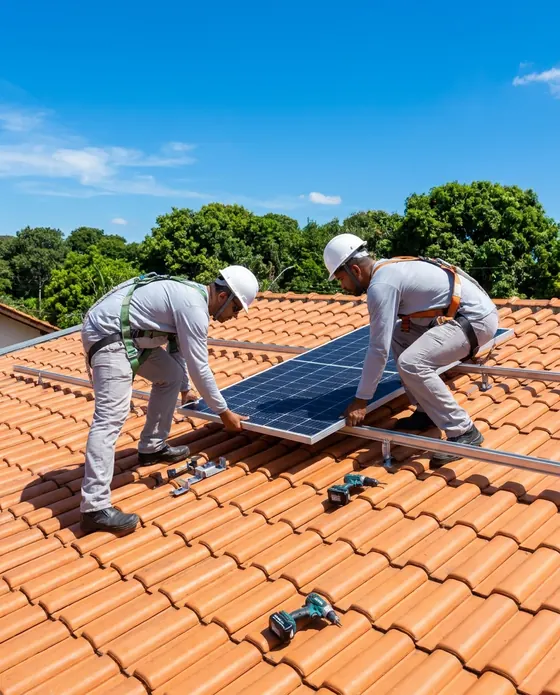
Illustrative images.
Questions pest control pros ask
Still have a question? Email us. The PraticOS team answers it.
Do I have to pay to use it?
Not to get started. You can use it free, with no limit on work orders or customers. The free plan has a monthly limit on photos and AI use, and one checklist template. Paid plans, with more of each and a team, are available in the app.
Is there a pest control segment in the app?
Not yet. You pick the “Other” segment, which comes with general checklists for service record and customer handover, and build your own treatment checklist.
Can the PDF be used as a service certificate?
The work order PDF includes the service details, the completed checklist and the photos. It is not an official certificate: check with your local health or licensing authority what a certificate must include and add those items to your checklist.
Can my techs use it on their own phones?
If someone works with you, yes. Tap the profile button at the top of Home, go to Team and invite them with a code sent over WhatsApp, and they use the app on their own phone with a role, such as technician or manager. Inviting someone needs a paid plan, purchased inside the app.
Does the client need to install an app?
No. They get a link, open it in their phone's browser and see the work order with photos and prices. They approve the quote and leave comments right there.
Download it and open your first order today.
Start free. Paid plans available in the app.
Questions? praticos@rafsoft.com.br FAQ