
Fewer devices gathering dust. More repairs approved and paid.
PraticOS is the work order app for electronics repair shops that keeps your bench moving. Devices check in with photos, customers approve quotes by link and you always know who still owes you.
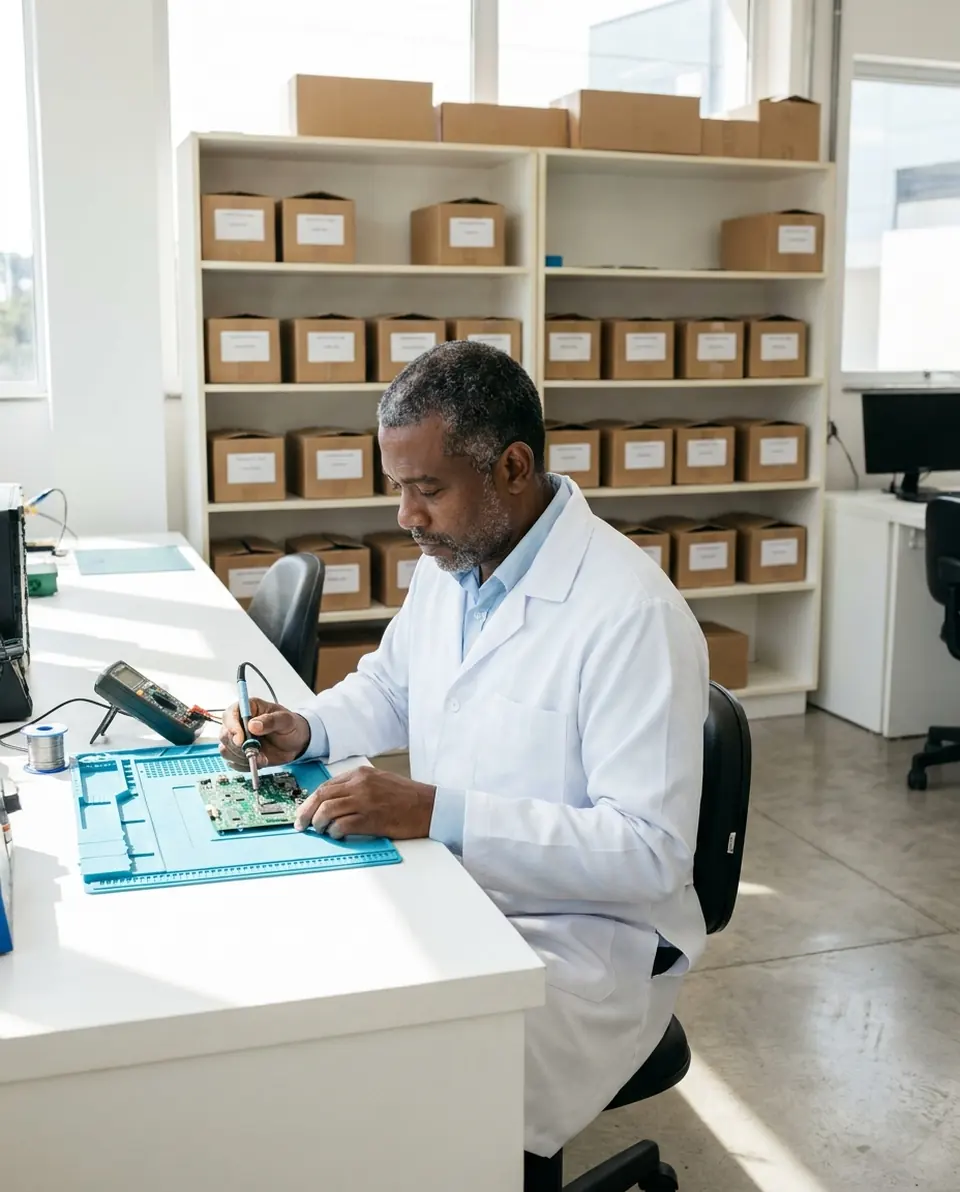
Illustrative image.
- Customer
- Robert Lane
- Device
- 50″ smart TV · SN 7A3K0921
- Service
- LED backlight strip replacement
- Total
- $210.00
Approved by customer
- Start free
- iPhone and Android
- Customers approve without installing anything
From check-in to pickup, nothing forgotten
The device comes in with photos, the customer approves and the bench keeps moving until you get paid.
Say the device. AI opens the order.
At the counter, tap Speak: “Carlos’s Samsung 50-inch TV, turns on and off, diagnostic quote.” AI fills in the customer, device, service and the price from your catalog. You check it and save.
- What AI filled in is marked with ✦
- Fix it by speaking: “the diagnosis is 80”
- Or take a photo of the label or the written request
Show how the device arrived
Before opening the device, photograph and note how it arrived on the check-in checklist: brand, model, serial number, damage and accessories left with you.
- Photos and damage kept on hand in case of any doubt
- Reported fault and accessories left
- Checklists you adjust to your devices
Let the customer approve by link
After the diagnosis, build the quote with services and parts from your catalog. The customer opens it in the browser, sees the photos, reads your terms and approves.
- Approval or rejection kept on hand, no he-said-she-said
- The customer comments right on the order, no call needed
- Work order PDF to print or send
Know where every repair stands
Open the app and see what's on the bench, whose it is and when it's due. The customer checks the status on the same link, without calling.
- See what's open and what's done
- Alert for quotes with no reply after 7 days
- Find any device by serial number or customer
Deliver and get paid
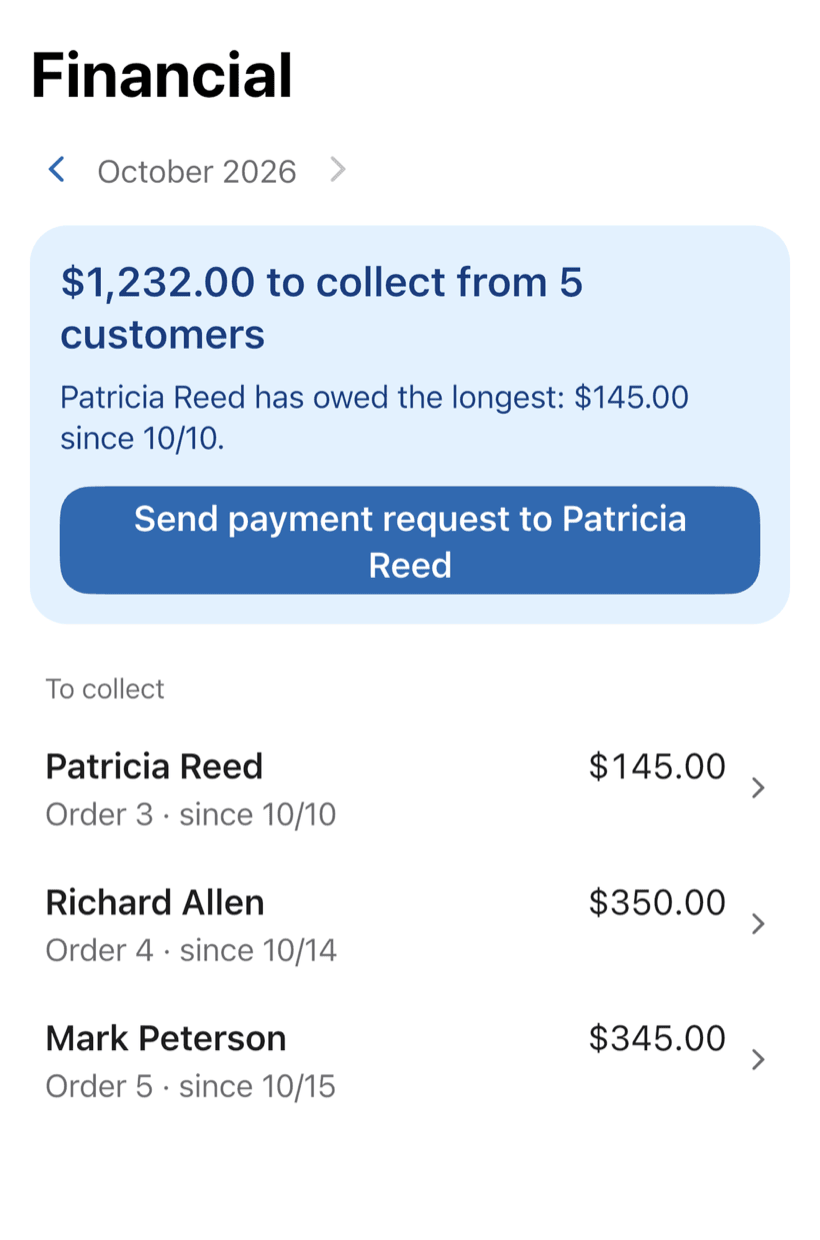
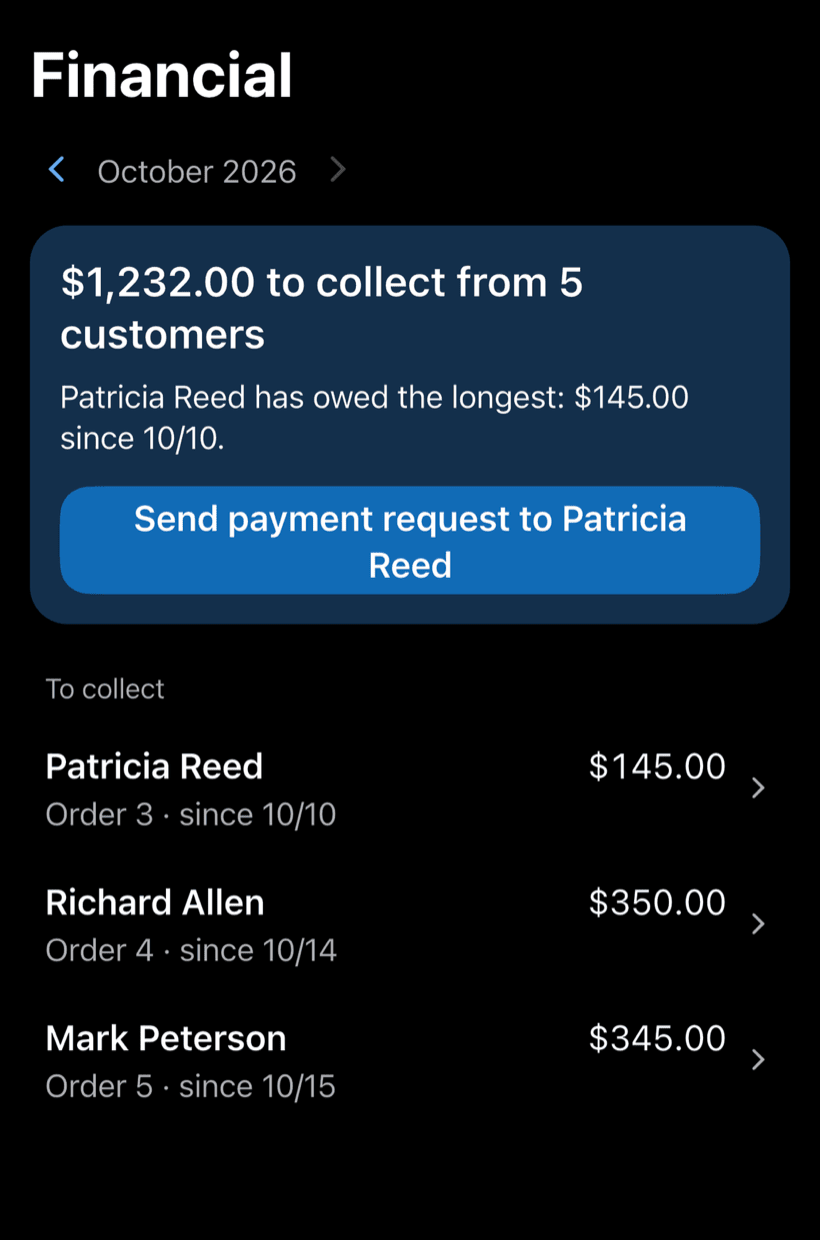
Get paid in full or in parts, with a discount if needed. Financial shows how much is left to collect and from whom, with a button to send the payment request.
- Partial payments and discounts in the same order
- Whoever has owed the longest shows up first
- Monthly report of what came in
The money an electronics repair shop loses without noticing
It's rarely a lack of devices on the bench. It's the quote nobody answered, the TV the owner never picked up and the scratch nobody photographed.
-
Devices left on the shelf
The TV was ready months ago, the customer never shows up and you're not sure what you can do with it.
Write your pickup rules in Terms for the customer. They read them before approving, and they print on the work order PDF. You have something to show.
-
Quotes with no reply
You opened the device, texted the price and the customer went quiet.
The quote goes out as a link with photos and prices. You see if the customer opened it, and the app reminds you when it sits for more than 7 days.
-
The scratch that was already there
The customer says the case or screen left your shop scratched.
Photograph the device at check-in and note damage, accessories and the reported issue. You can show how it came in.
-
Two identical TVs on the bench
Same model, same color, and the paper tag fell off.
Each work order holds brand, model and serial number. Search by serial or customer and hand back the right device.
-
Different prices for the same repair
Every time someone quotes the same power board swap, the number changes.
Build a catalog of services and parts and the total adds up on its own. Same repair, same price.
-
Warranty claims argued from memory
The device comes back with a fault and nobody remembers what was replaced.
Services, parts, photos and dates are all saved. Open the customer and see what was done and when.
PraticOS speaks your trade's language
Pick your trade and the app is ready your way: vehicle at the auto shop, device at the phone repair shop, equipment in HVAC. Find yours:


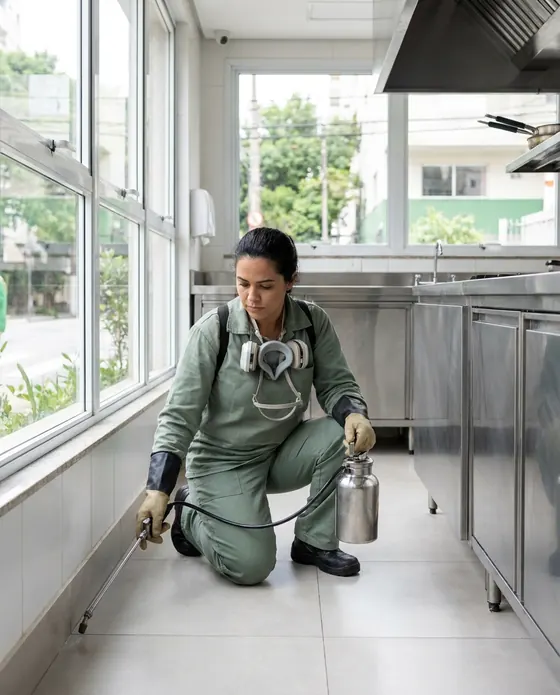
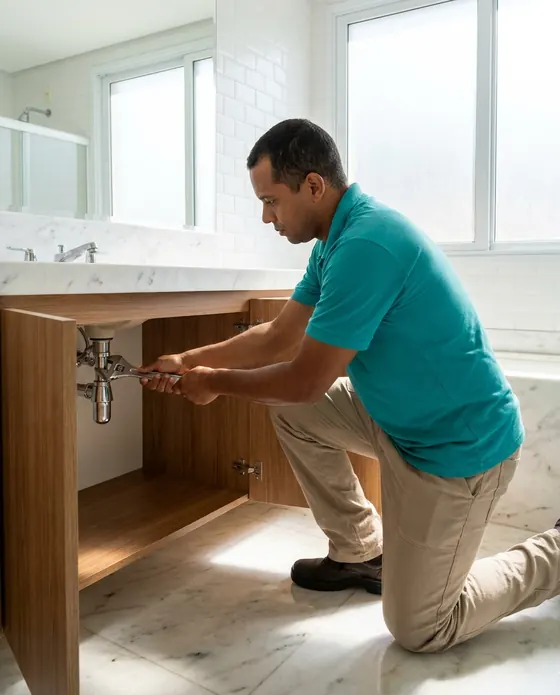


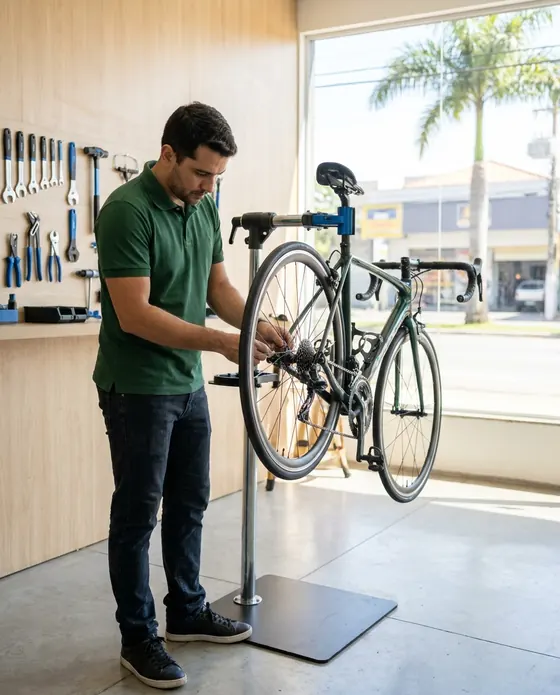
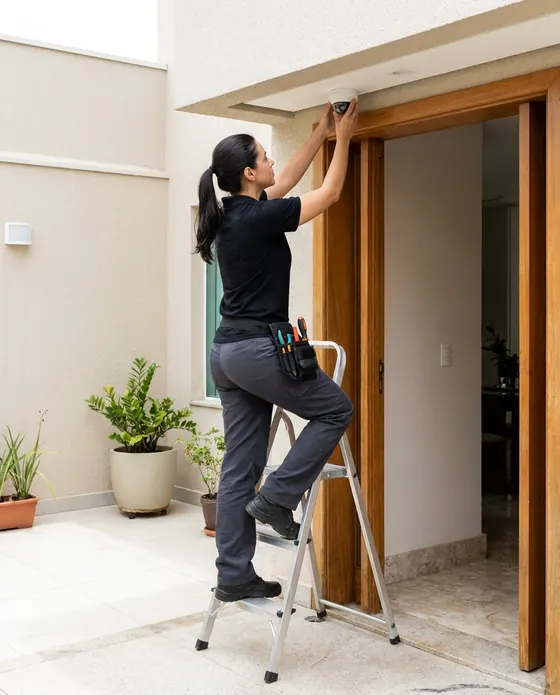


Illustrative images.
Before you try it in your shop
Still have a question? Send us an email: the PraticOS team answers it.
Do I have to pay to use it?
You can start free, with no limit on work orders or customers. The free plan has a monthly limit on photos and AI use, and one checklist template. Paid plans, subscribed in the app, raise those limits and unlock your team.
Does it work for TVs, audio, monitors and game consoles?
Yes. A work order takes any device: you add brand, model and serial number and build checklists with the items you check at drop-off and pickup.
Can I set a pickup deadline for customers?
Yes. Tap the profile button at the top of Home and go to Terms for the customer. There you write your rules: pickup deadline, warranty, replaced parts. The customer sees the text before approving the quote, and it prints on the work order PDF.
Can my technicians use it on their own phones?
Yes, if someone works with you. Tap the profile button at the top of Home, go to Team and invite them with an invite code, which you can send over WhatsApp, and they sign in with their own account on their own phone, with a role such as Technician or Manager. Inviting someone requires a paid plan, subscribed inside the app.
Does the customer need to install an app?
No. They get a link, open it in their phone's browser and see the work order with photos and prices. They approve the quote and leave comments right there.
Download it and open your first order today.
Start free. Paid plans available in the app.
Questions? praticos@rafsoft.com.br FAQ