
Every device back to its owner. Every part billed.
PraticOS is the work order app for phone repair shops that heads off arguments at the counter. Devices check in with IMEI and photos, customers approve quotes by link and every part goes on the bill.
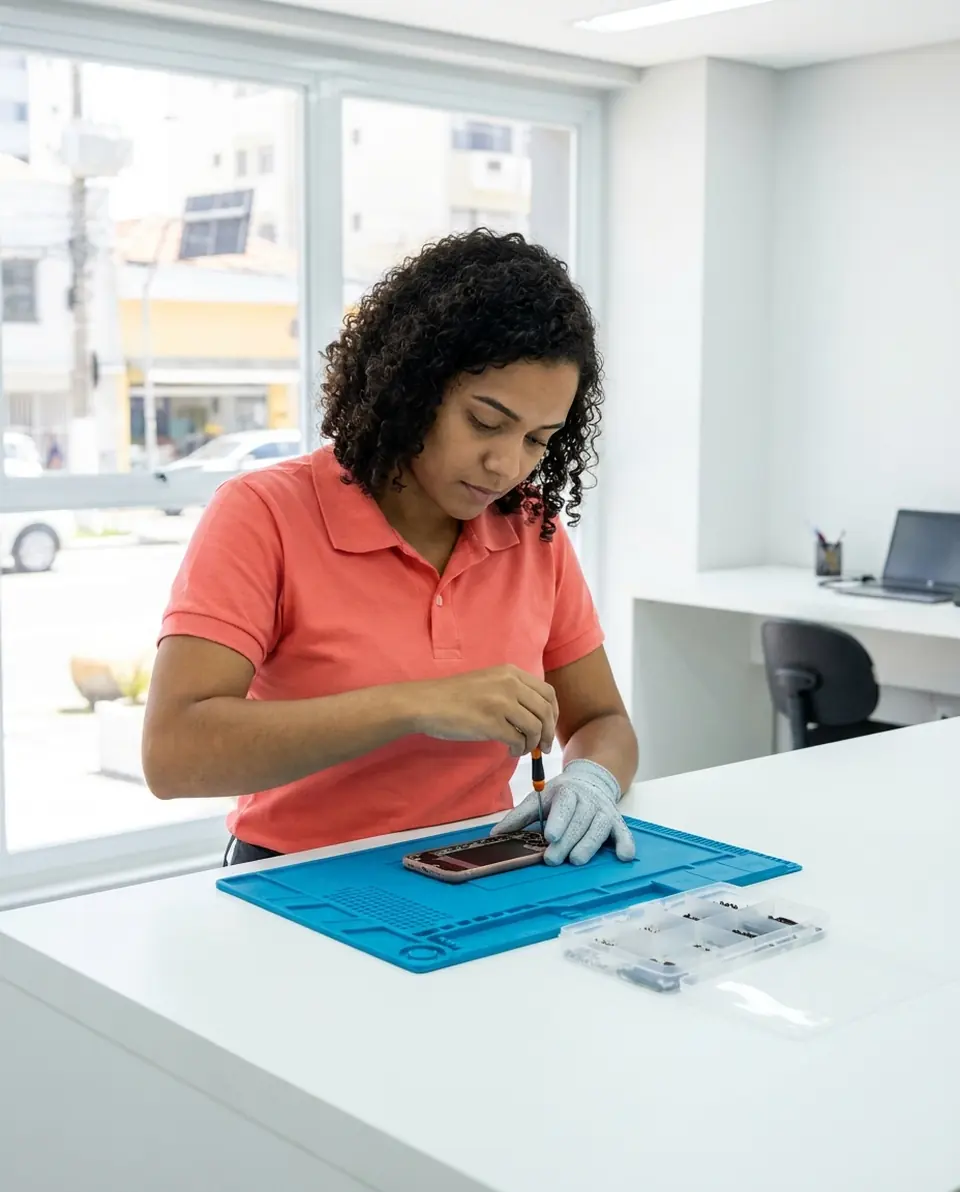
Illustrative image.
- Customer
- Rachel Nolan
- Device
- iPhone 12 · 128GB · blue
- Service
- Screen replacement and protector
- Total
- $189.00
Approved by customer
- Start free
- iPhone and Android
- Customers approve without installing anything
From the counter to pickup, nothing forgotten
The phone comes in with photos, the customer approves and you hand it back tested and get paid.
Say the repair. AI builds the work order.
On New order, tap Speak and say “Carla's iPhone 13, screen and battery replacement”, or take a photo of the written order. The AI fills in the customer, device, services and parts with your catalog prices. You check it, add the IMEI and save.
- Everything the AI filled in is marked with ✦, and you can undo it
- Fix it by speaking: “the battery is 250”
- Device with model, color and IMEI; the IMEI brings up its past work orders
Check everything at intake
Phone checklists come ready to use and you can adjust the items: device intake, full diagnostics, screen replacement, battery replacement and final test.
- Front, back and visible damage photos
- Display, touch, cameras, audio, Wi-Fi, Bluetooth and charging
- Unlock passcode and accessories left
Let the customer approve by link
The customer opens the work order in a browser, nothing to install. They see photos, parts and labor, approve it and leave comments.
- Customer approval kept on hand in case of any doubt
- Customers follow the repair without calling
- Work order PDF with checklists and photos
Test, hand over and get paid
Before pickup, the final test checks that the phone powers on, charges and that cameras, audio and sensors work. Then you get paid.
- Photo of the finished device on the work order
- Payment in parts and discount on the same work order
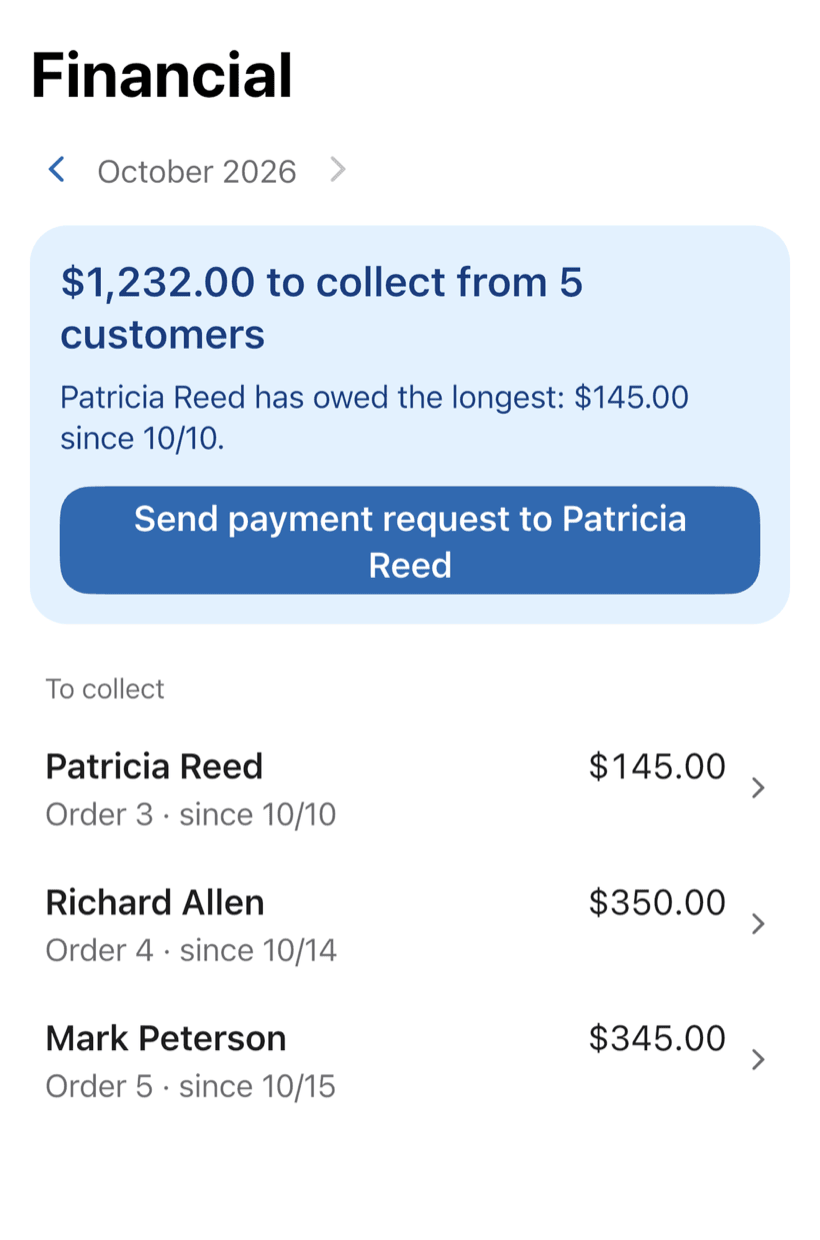
- Everyone who still owes you, in one list
The money your repair shop loses without noticing
It's not a lack of phones on the bench. It's the device handed to the wrong person, the screen that “was already cracked” and the battery that never made it onto the bill.
-
Devices mixed up on the bench
Three identical phones waiting on parts. At pickup, nobody is sure which one belongs to whom.
Each work order holds manufacturer, model, color and IMEI. Search by IMEI, customer or order number and hand back the right device.
-
“That scratch wasn't there”
A customer says the case got scratched or Face ID stopped working at your shop, and you can't show how the phone came in.
Front and back photos, screen, touch, Face ID or Touch ID, damage and accessories. You can show how the phone came in.
-
Lost data, angry customer
The repair wipes the customer's photos and the argument turns into who warned whom.
Backup, passcode, data-loss risk and parts preference are agreed before the repair. You warned them, and it's saved.
-
Parts swapped but never billed
Charging port, battery, screen protector. The part went into the phone but not onto the bill.
Parts and labor go in with prices from your catalog and the total adds up on the spot. You bill everything you swapped.
-
“Is it ready yet?”
Every call pulls the tech away from the microscope mid-solder.
The customer opens the link and sees the status, photos and prices without calling. You stay at the bench.
-
Closing the month without knowing what came in
Cash, card and transfers written down in different places. Nobody knows who still owes you.
See who still owes you and what came in this month, even with partial payments.
PraticOS speaks your trade's language
Pick your trade and the app is ready your way: vehicle at the auto shop, device at the phone repair shop, equipment in HVAC. Find yours:
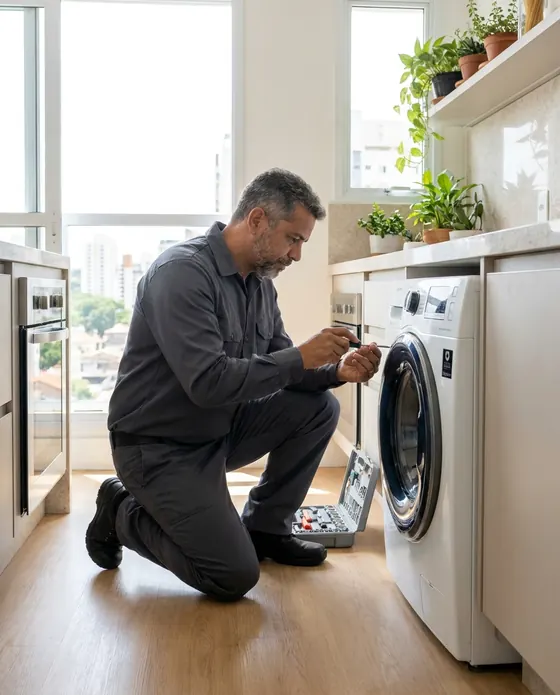


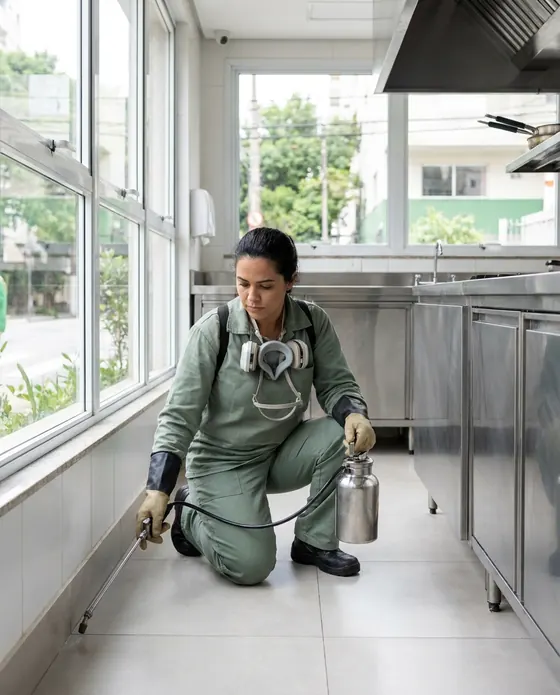
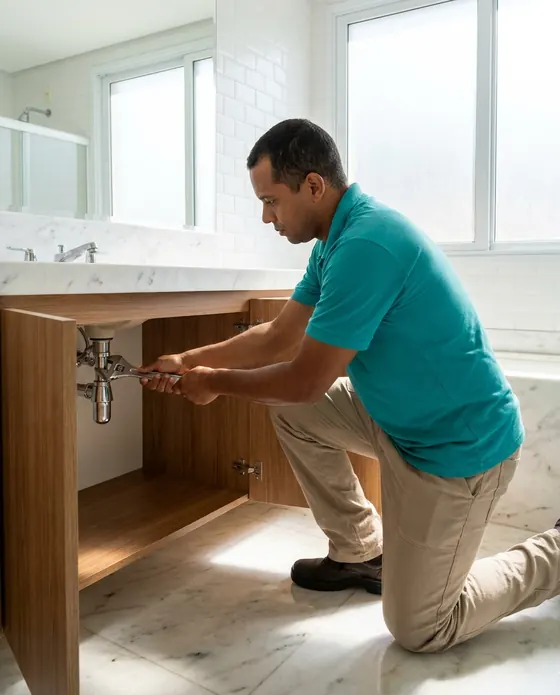


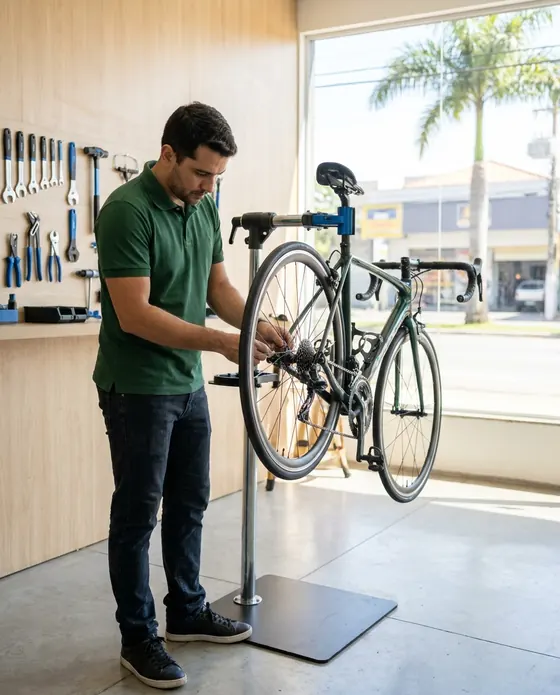
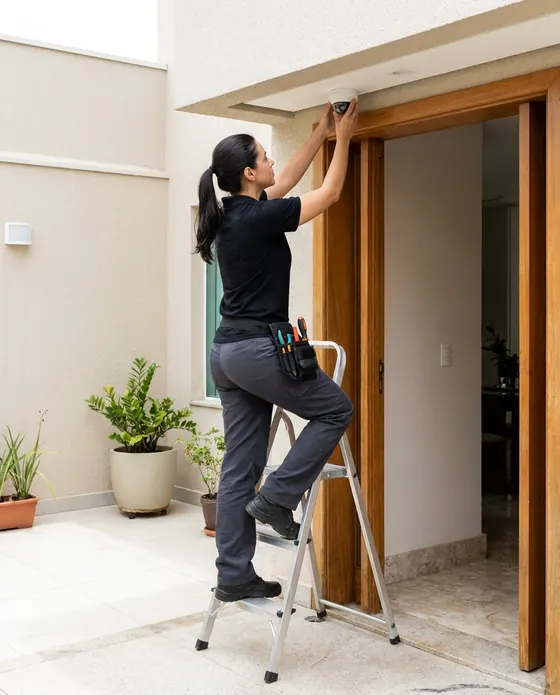

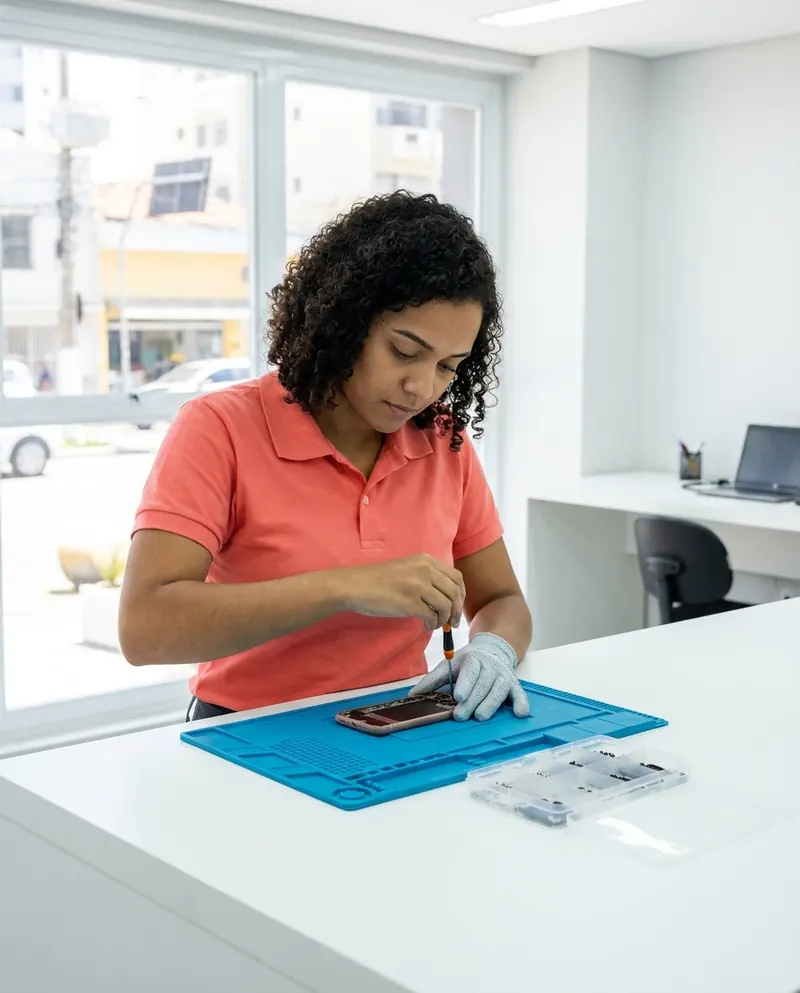

Illustrative images.
Before you try it in your shop
Still have a question? Send us an email: the PraticOS team answers it.
Do I have to pay to use it?
Not to get started. You can use it free, with no limit on work orders or customers. The free plan has a monthly limit on photos and AI use, and one checklist template. Paid plans, with more of each and a team, are available in the app.
Do the phone checklists come ready to use?
Yes. When you choose phone repair you get templates for device intake, full diagnostics, screen replacement, battery replacement, authorization and privacy, and final test. You can edit the items or build your own.
Can I find a device by its IMEI?
Yes. Type the IMEI in the work order search and every order for that device shows up, with services, parts and photos.
Can my techs use it on their own phones?
If someone works with you, yes. Tap the profile button at the top of Home, go to Team and invite them with a code sent over WhatsApp, and they use the app on their own phone with a role, such as technician or manager. Inviting someone needs a paid plan, purchased inside the app.
Does the customer need to install an app?
No. They get a link, open it in their phone's browser and see the work order with photos and prices. They approve the quote and leave comments right there.
Download it and open your first order today.
Start free. Paid plans available in the app.
Questions? praticos@rafsoft.com.br FAQ