
Prove every maintenance visit. Bill every extra repair.
PraticOS is the elevator maintenance app that shows the property manager what was done. Run the checklist with photos on your phone and send a link so they can review the job and approve extra repairs.
Illustrative image.
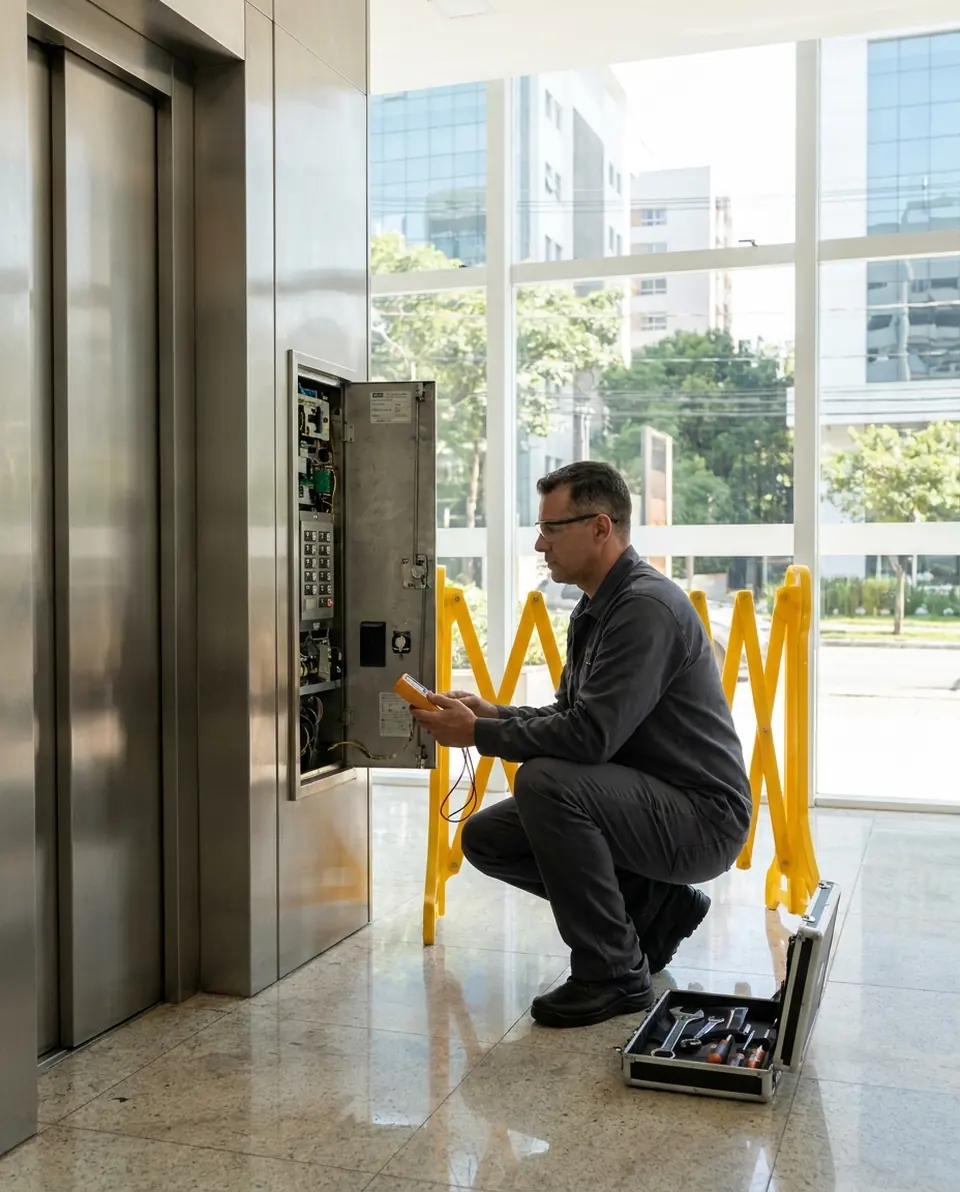
- Customer
- Maple Court Condominiums
- Equipment
- Passenger elevator · Tower B
- Service
- Car door roller replacement
- Total
- $540.00
Approved by property manager
- Start free
- iPhone and Android
- Customers approve without installing anything
From booked visit to paid repair
You do the work, the manager sees the proof and approves the extras, and you get paid.
Say the visit and AI builds the order
Tap Speak and say: “Solar Building, elevator 2, monthly maintenance on Thursday at 8.” AI fills in the customer, equipment, service and the price from your catalog. You check it and save.
- What AI filled in is marked with ✦
- Fix it by speaking: “door contact replacement, 350”
- Or take a photo of the written order
Routine visits and callbacks on one schedule
With a date and time on the work order, the visit goes on the Schedule. Maintenance and service calls sit in the same place, and your phone reminds you before the appointment.
- The week on top, the day’s visits below
- Reminder 15 minutes to 2 hours before
- With a team, each technician's schedule
Prove it on site
Build your maintenance checklist once and use it on every visit. Mark yes, no or not applicable and photograph what you found in the machine room, the car and the shaft.
- Check, note and photograph every item
- The same items on every visit
- Completed checklists are protected: only Admin, Manager or Supervisor can reopen them
Show the property manager
The property manager opens the work order in the browser, with nothing to install. They see photos and the checklist, approve extra repairs when needed and leave comments.
- The manager's yes is kept on file
- Work order PDF for the building’s records
- Manager comments kept with the job
Get paid for the work
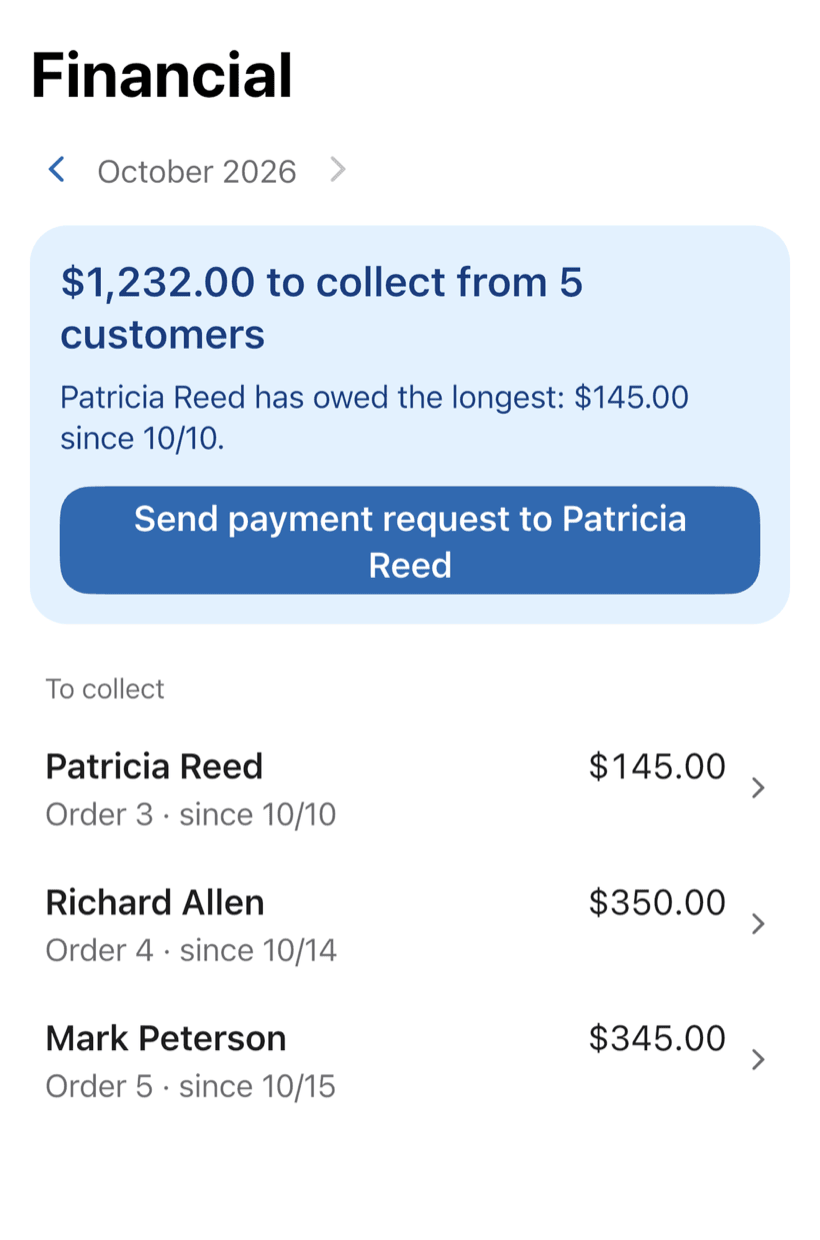
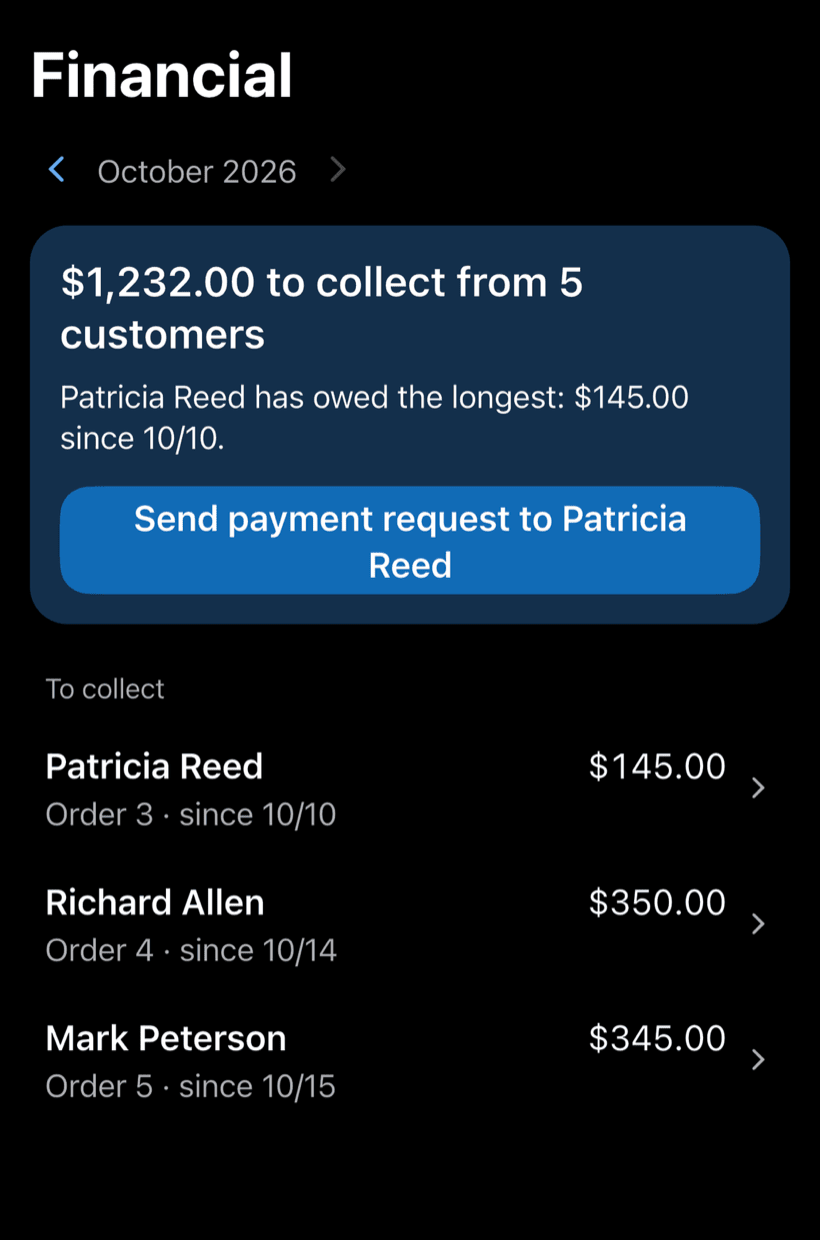
Get paid for repairs and parts, in full or in installments. Financial shows how much is left to collect and from which buildings, with a button to send the payment request.
- Partial payments and discounts in the same order
- Whoever has owed the longest shows up first
- Monthly report of what came in
Where elevator contracts leak money
The contract is signed. What slips is the visit with no proof, the extra repair nobody billed and the history only one technician knows.
-
The manager doubts the visit happened
The property manager asks whether this month's visit happened, and all you have is the technician's word.
Send a link and the manager sees the checklist and photos of the machine room, car and hoistway.
-
Extra repairs that never get billed
A roller was replaced during the routine visit, but the part never made it onto an invoice.
Add the part to the work order with a price. The manager approves by link and you bill it.
-
History in one technician's head
Another technician takes the callback and has no idea what was already replaced on that elevator.
Open the building and see every elevator and its recent work orders.
-
A scattered schedule
Routine visits and callbacks noted in spreadsheets, on paper and in group chats.
Routine visits and callbacks on one Schedule, with a phone reminder before each.
-
Buildings with several elevators
Passenger, service and freight elevators in one building, each with its own issues.
Handle several elevators on one work order without mixing up their histories.
-
Reports typed up at night
After hours, someone writes up what the technicians reported during the day.
The PDF comes out ready for the manager: services, checklist and photos.
PraticOS speaks your trade's language
Pick your trade and the app is ready your way: vehicle at the auto shop, device at the phone repair shop, equipment in HVAC. Find yours:
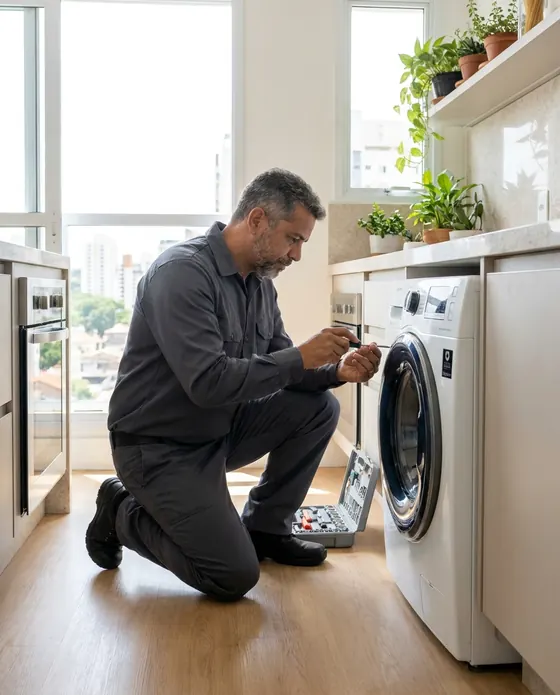

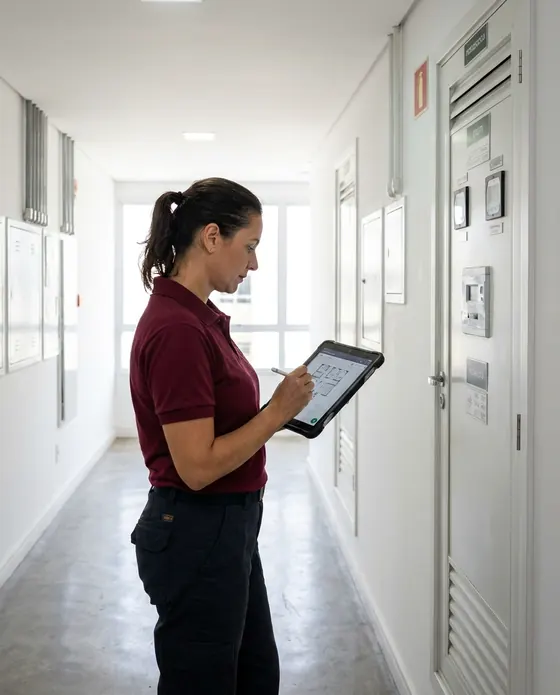

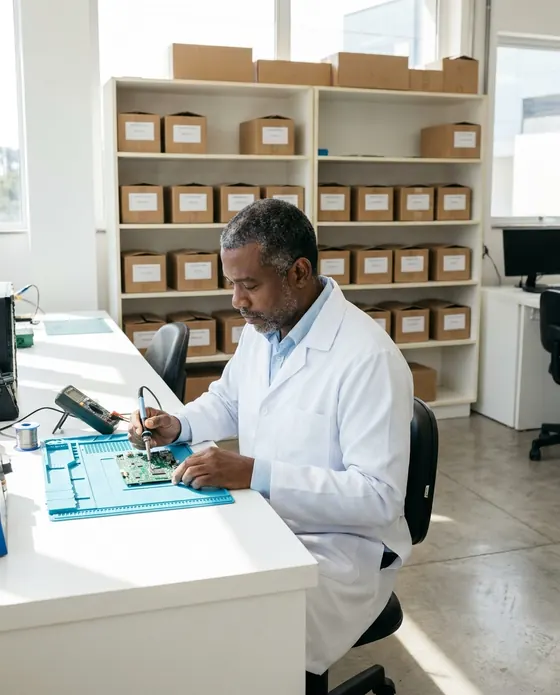
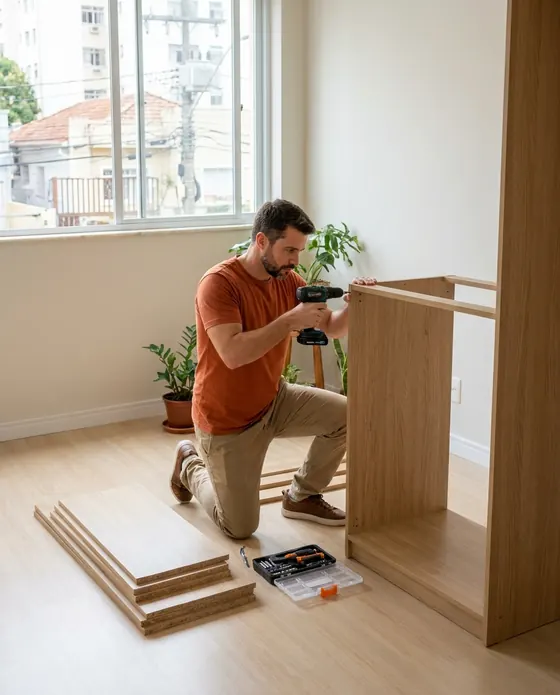
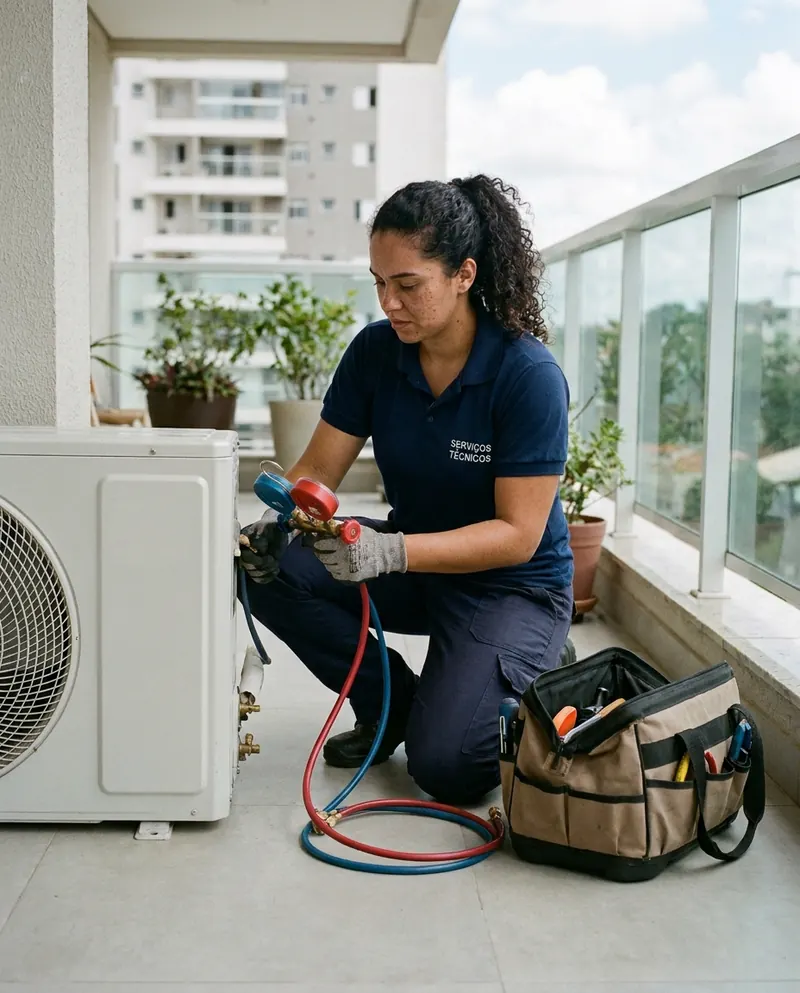
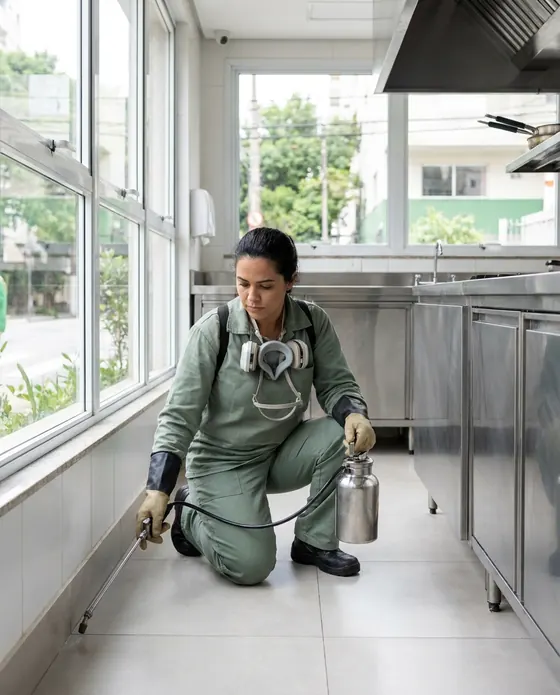
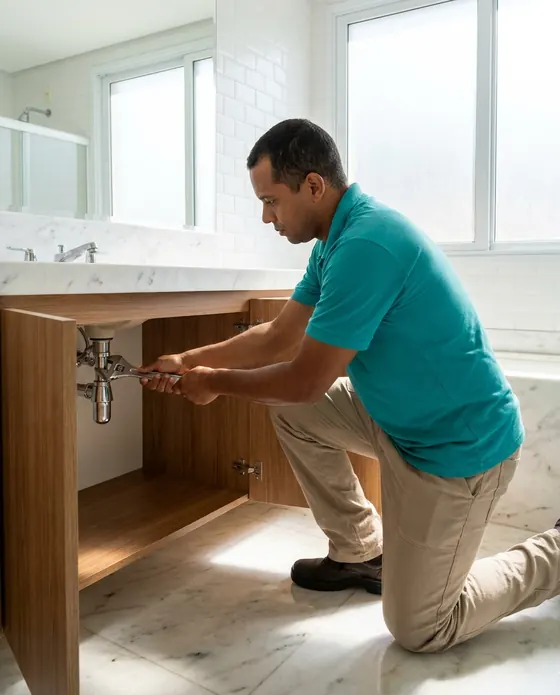


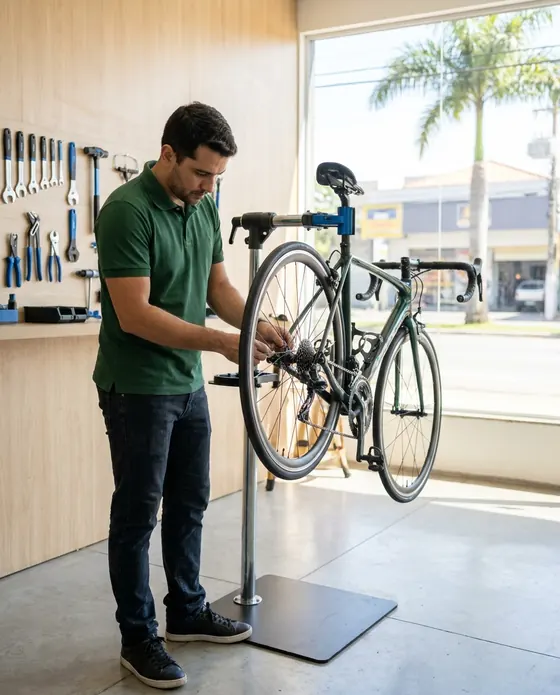
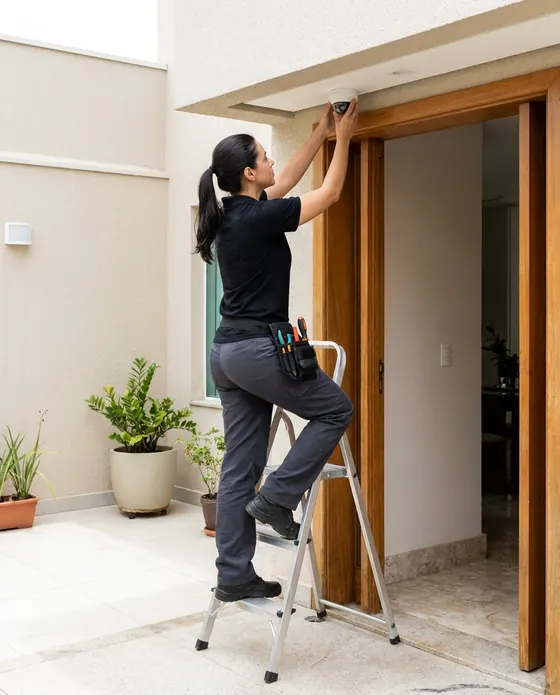
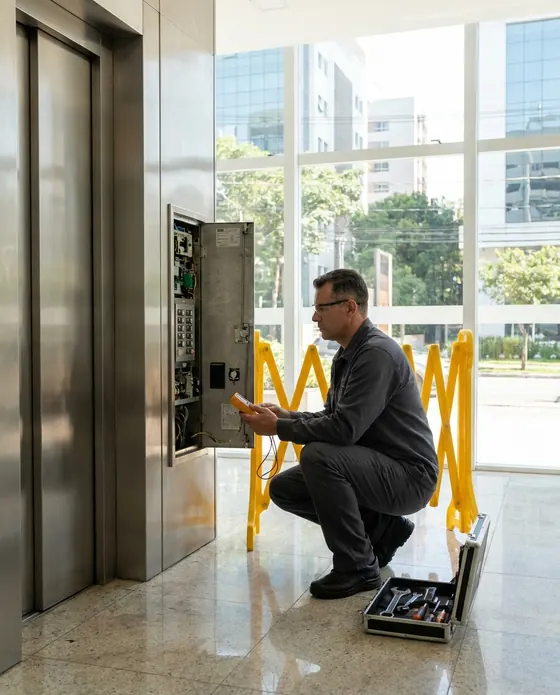

Illustrative images.
What elevator companies ask us
Still have a question? Email us. The PraticOS team answers it.
Do I have to pay to use it?
You can start free, with no limit on work orders or customers. The free plan has a monthly limit on photos and AI use, and one checklist template. Paid plans, subscribed in the app, raise those limits and unlock your team.
Does the app create monthly maintenance visits on its own?
No. Each visit is a work order with a scheduled date: you create the order (by speaking, if you like), it goes on the Schedule and your phone reminds you before the appointment. The maintenance checklist is the same template on every visit.
Can I use my own checklist?
Yes. You build the checklist with the items you check (machine room, car, doors, shaft) and it is available on every work order. Templates are in Checklists, from the profile button at the top of Home. The technical content is up to you.
Can my technicians use it on their own phones?
Yes, if someone works with you. Tap the profile button at the top of Home, go to Team and invite them with an invite code, which you can send over WhatsApp, and they sign in with their own account on their own phone, with a role such as Technician or Manager. Inviting someone requires a paid plan, subscribed inside the app.
Does the property manager need to install an app?
No. They get a link, open it in their phone's browser and see the work order with photos, checklist and prices. They approve the quote and leave comments right there.
Download it and open your first order today.
Start free. Paid plans available in the app.
Questions? praticos@rafsoft.com.br FAQ