
Less your word against theirs. More customers who trust you.
PraticOS is the work order app for people who do cleaning and janitorial work. Show before and after photos, get quotes approved from the customer's phone and know who still owes you.
Illustrative image.

- Customer
- Bright Family Dental
- Location
- 120 Elm St · Suite 200
- Service
- Post-construction clean · 1,900 sq ft
- Total
- $680.00
Approved by customer
- Start free
- iPhone and Android
- Customers approve without installing anything
From the quote to money in hand
Less time in the group chat, more time on the job. From quote to payment, nothing gets forgotten.
Talk, and AI opens the order
Tap Speak: “Post-construction clean at Luciana’s apartment, Saturday at 8, with window cleaning.” AI fills in the customer, services and prices from your catalog. You check it and save.
- What AI filled in is marked with ✦
- Fix it by speaking: “the windows are 180”
- Or take a photo of the written request
Every job at the right time
With a date and time on the work order, the job goes on the Schedule. If someone on your crew is doing it, it shows on that person’s schedule, and the phone reminds them before the time.
- The week on top, the day’s jobs below
- Phone reminder before the job
- With a crew, schedule filtered by person
Clean with before and after photos
On site, open the work order and follow the checklist for that type of job, room by room, with before and after photos.
- Check, note or photograph each item
- One template per type of cleaning
- Only a lead can reopen a finished checklist
Customers approve from their phone
The customer opens the work order in the browser, with nothing to install. They approve the quote, follow the status, see the photos and leave comments.
- The customer's yes is on file
- Customer rating after completion
- Work order PDF with checklist and photos
Get paid for every job done
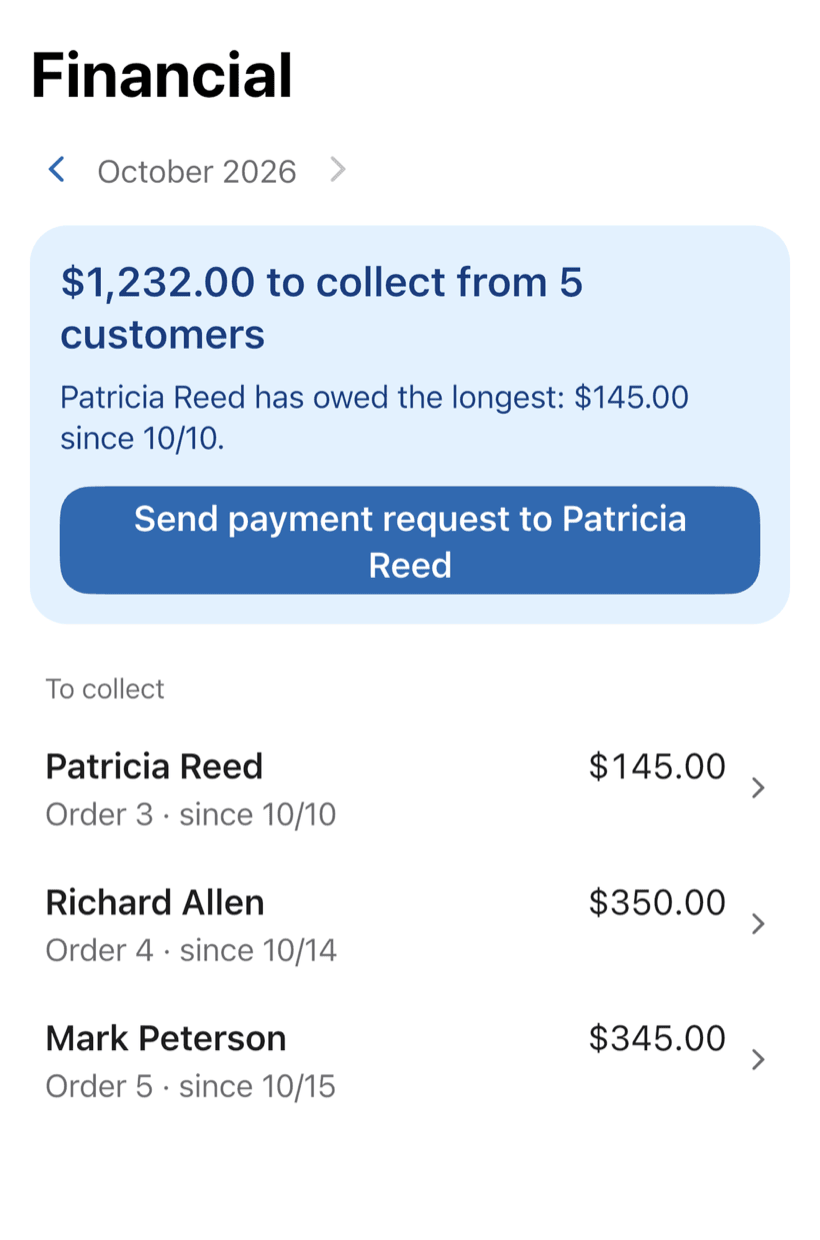
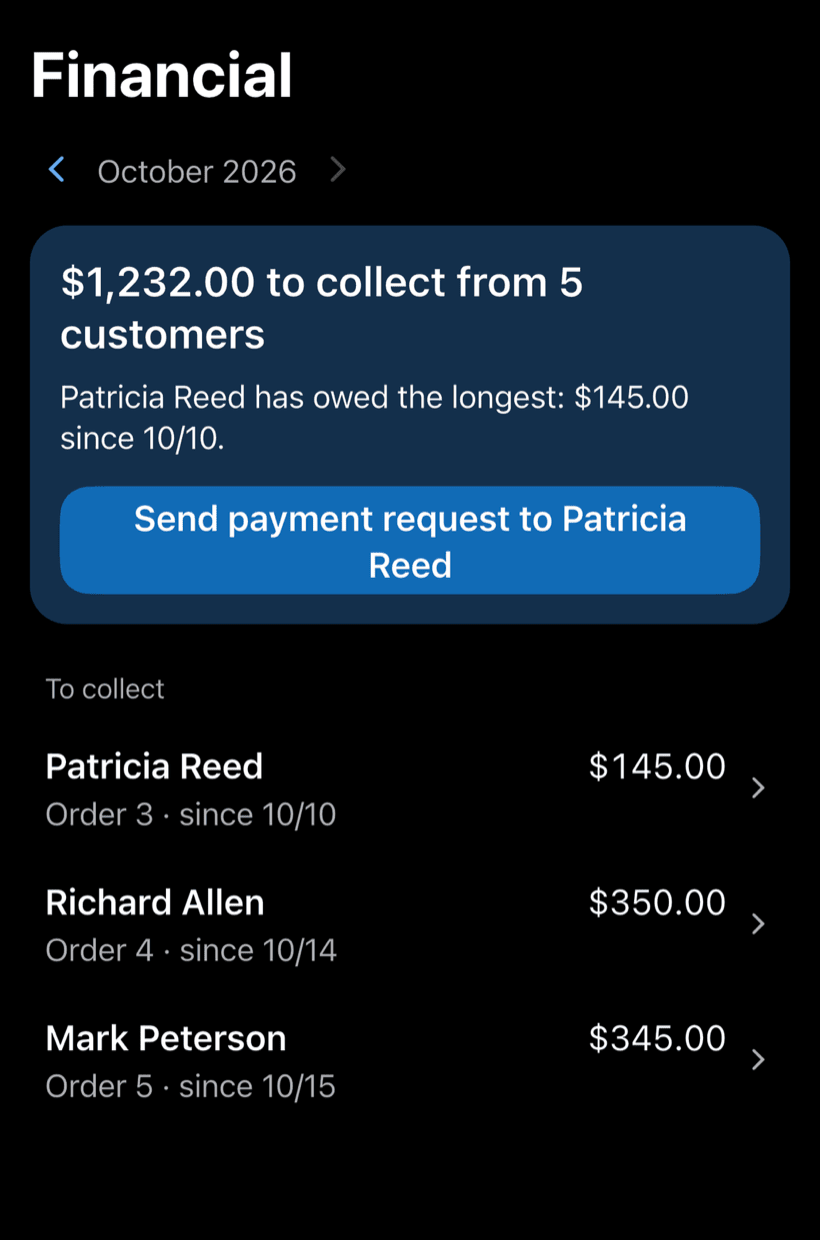
Receive the full amount or in parts, with a discount if needed. Financial shows how much is left to collect and from whom, with a button to send the payment request.
- Partial payments and discounts in the same order
- Whoever has owed the longest shows up first
- Monthly report of what came in
Where a cleaning company's money slips away
The job got done. The losses come from the complaint with no photo to answer it, the price agreed over a voice note and the extra clean left off the bill.
-
Complaints you can't answer
“The bathroom wasn't cleaned.” Without a photo, it's your word against the customer's.
Before and after photos of every room. You answer complaints with proof, not just your word.
-
Everyone cleans their own way
The new hire doesn't know the standard that customer expects.
Build a checklist for each type of job: residential, commercial, post-construction. Everyone follows the same standard.
-
Schedule lost in the group chat
Who's going where tomorrow? The answer is buried under a hundred messages.
Every job has a date, time and address on the Schedule, and your phone reminds you beforehand. With a crew, you see each person's schedule.
-
Prices agreed over a voice note
The customer remembers one price, you remember another.
Say the job and AI builds the work order with your catalog prices. The customer approves by link and the price is in writing.
-
Work done but never billed
The extra Saturday clean never made it onto the monthly invoice.
Every job goes on with a price. Get paid in full or in parts, see who still owes you and send the payment request with one button.
-
Customers asking if the crew showed up
The office manager calls to check whether last night's clean happened.
The customer opens the link and sees the status and photos. Fewer calls for you, more trust in your work.
PraticOS speaks your trade's language
Pick your trade and the app is ready your way: vehicle at the auto shop, device at the phone repair shop, equipment in HVAC. Find yours:


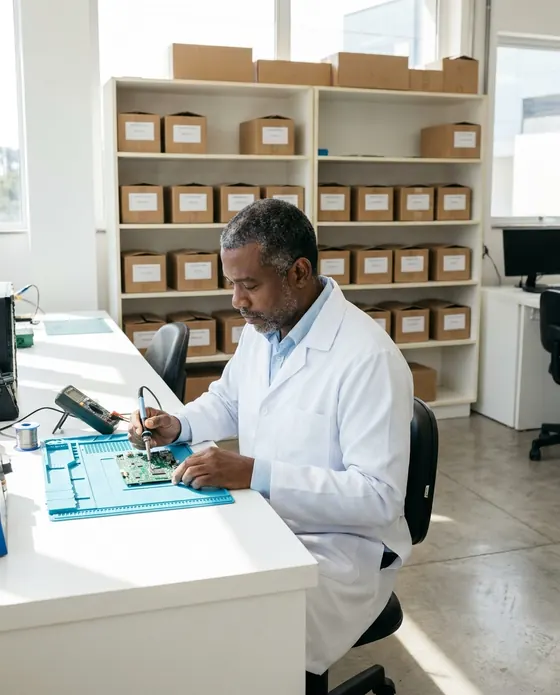
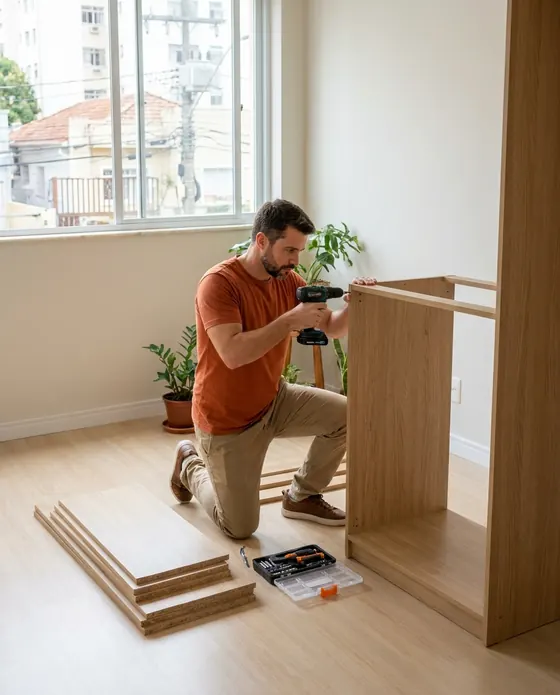
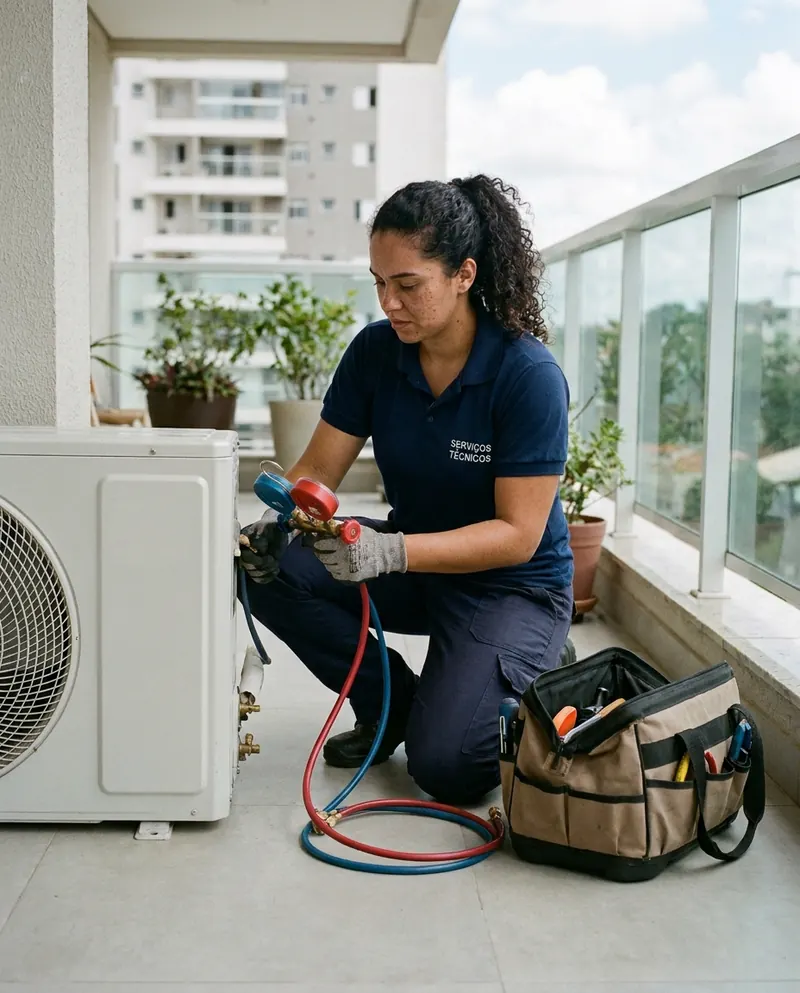
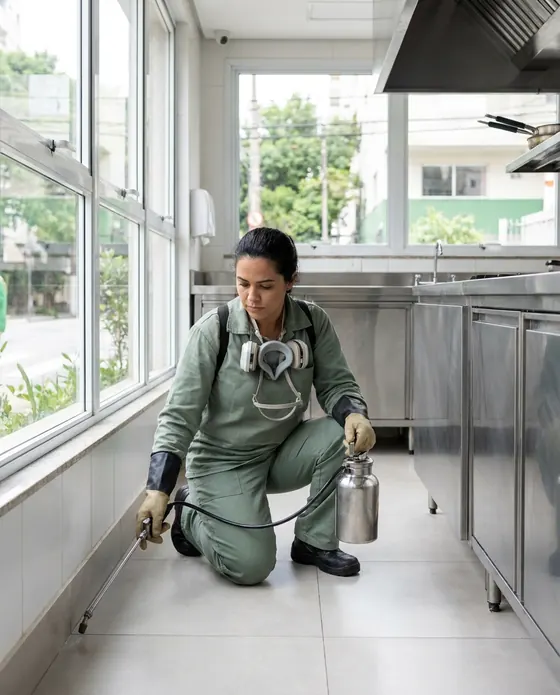


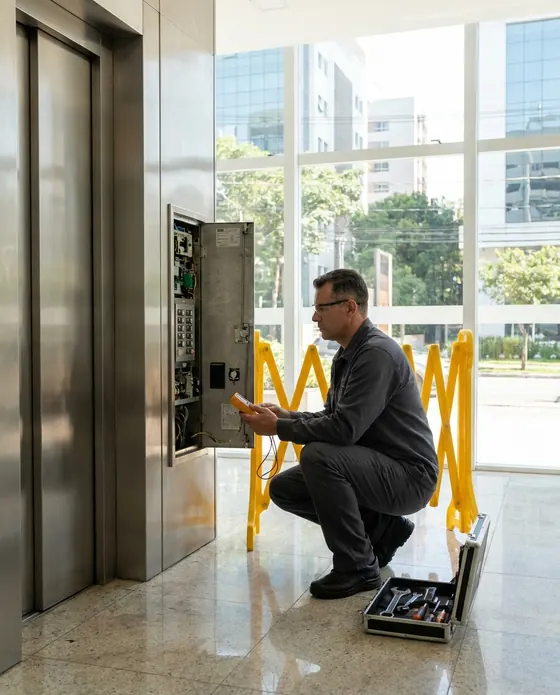
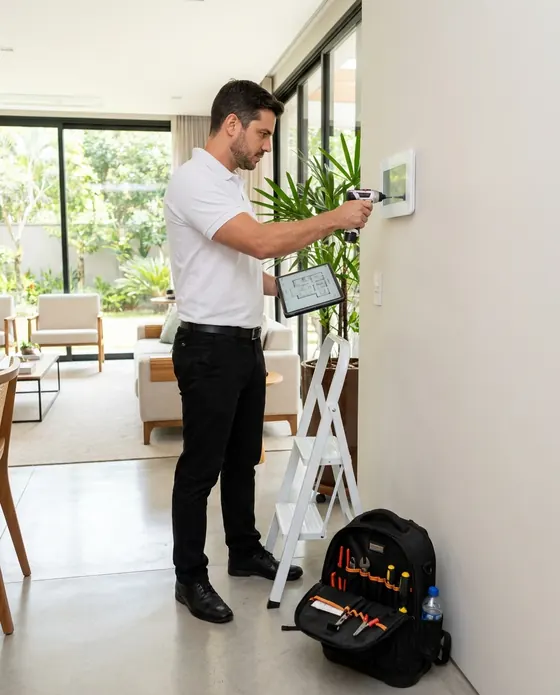

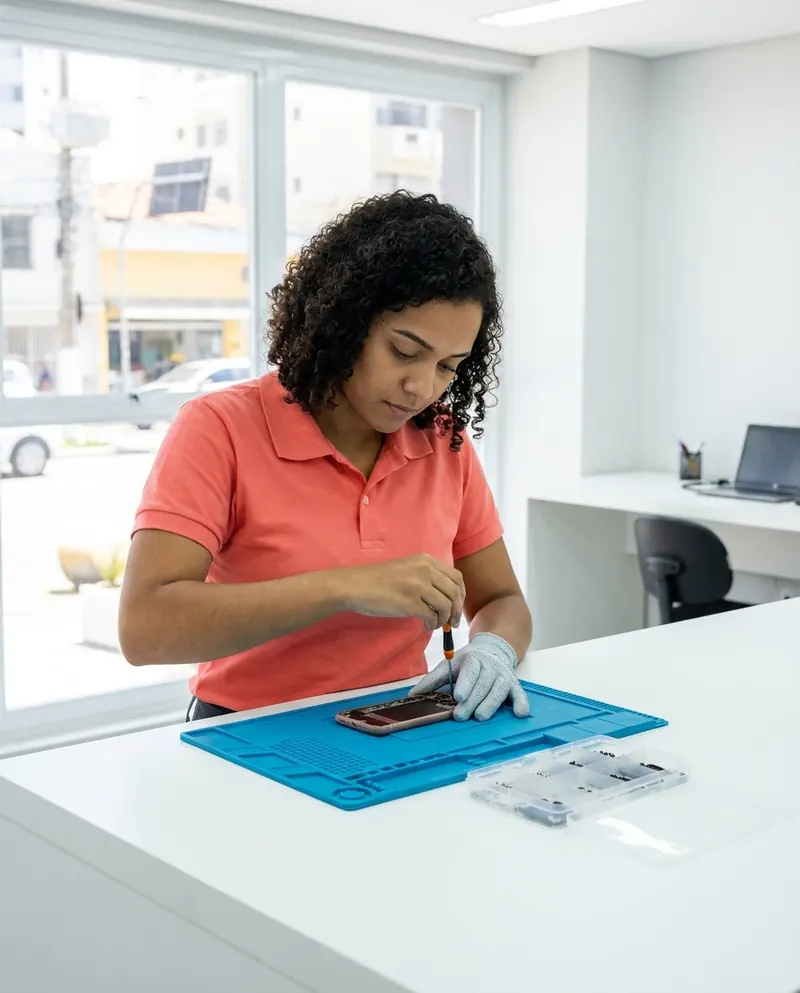
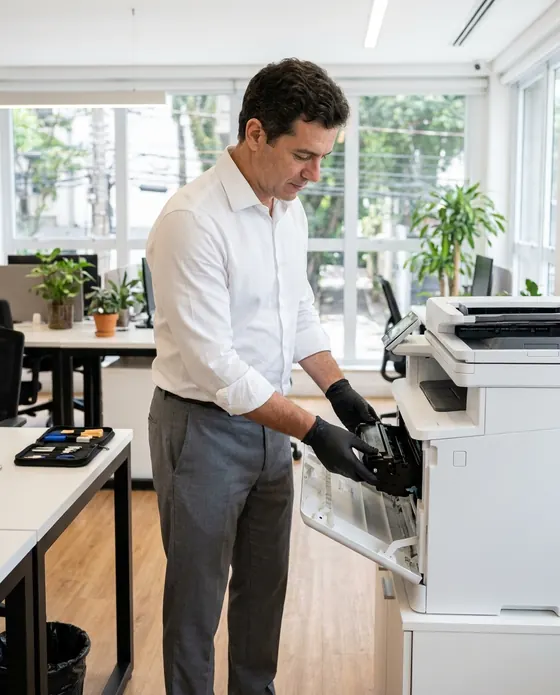

Illustrative images.
Questions from cleaning pros
Can't find yours? Send us an email and the PraticOS team will answer.
Do I have to pay to use it?
You can start free, with no limit on work orders or customers. The free plan has a monthly limit on photos and AI use, and one checklist template. Paid plans, subscribed in the app, raise those limits and unlock your team.
Does the app track my crew's location?
No. PraticOS doesn't do GPS tracking or time clocks. What it records is the work order: scheduled time, checklist items marked and before and after photos.
Can I have different checklists for each type of clean?
Yes. Create a template for each service — residential, commercial, post-construction, windows — and pick the right one when you open the work order. You can reorder and edit the items any time.
Can my crew use it on their own phones?
Yes, if you work with a crew. Tap the profile button at the top of Home, go to Team and invite each person with an invite code, which you can send over WhatsApp. They sign in with their own account on their own phone, with a role such as Technician or Manager, and see their jobs on the Schedule. Inviting someone requires a paid plan, subscribed inside the app.
Does the customer need to install an app?
No. They get a link, open it in their phone's browser and see the work order with photos and prices. They approve the quote and leave comments right there.
Download it and open your first order today.
Start free. Paid plans available in the app.
Questions? praticos@rafsoft.com.br FAQ