
Every printer with its history. Every part on the bill.
PraticOS is the work order app for printer and copier repair. See what was done on each machine, get quotes approved from the customer's phone and keep every part on the bill.
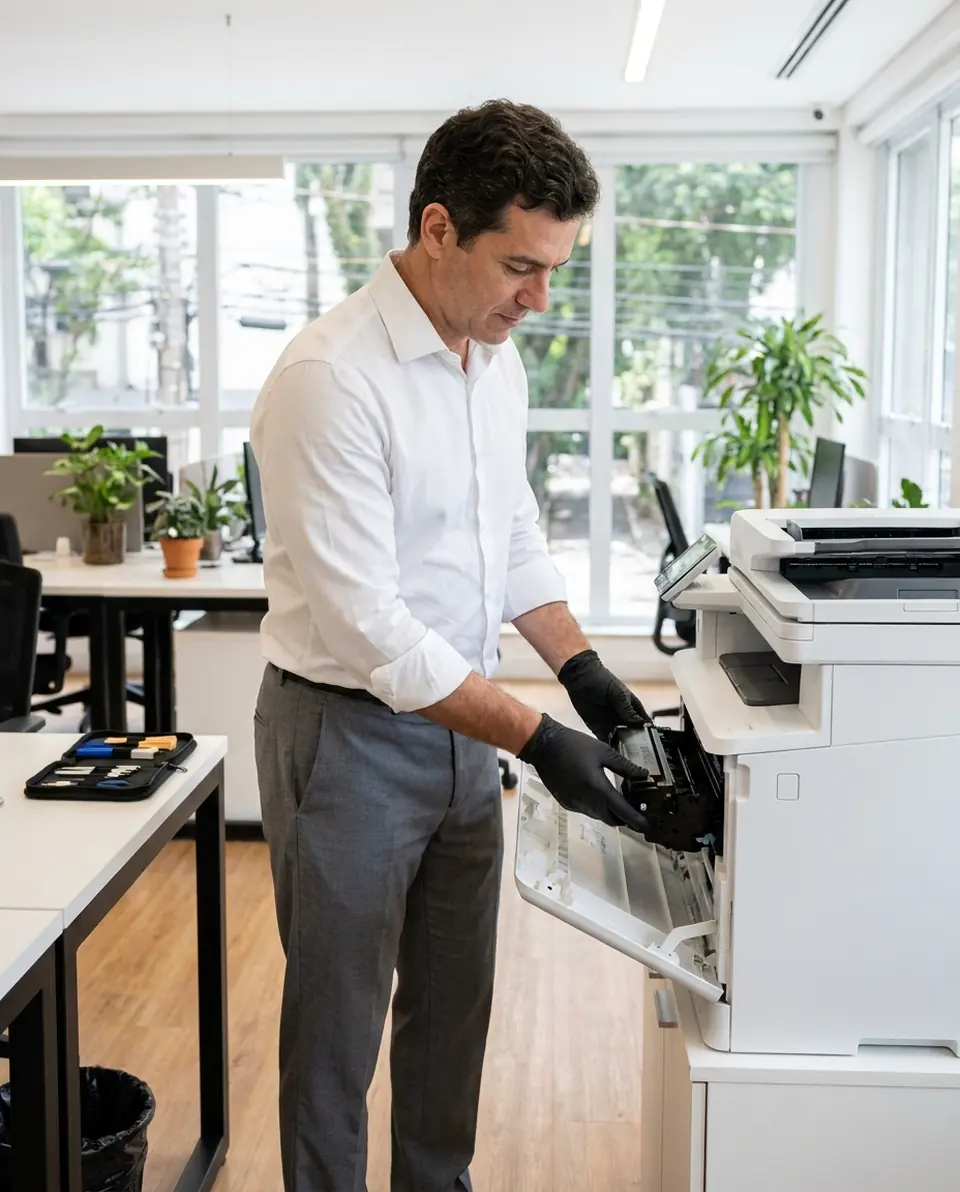
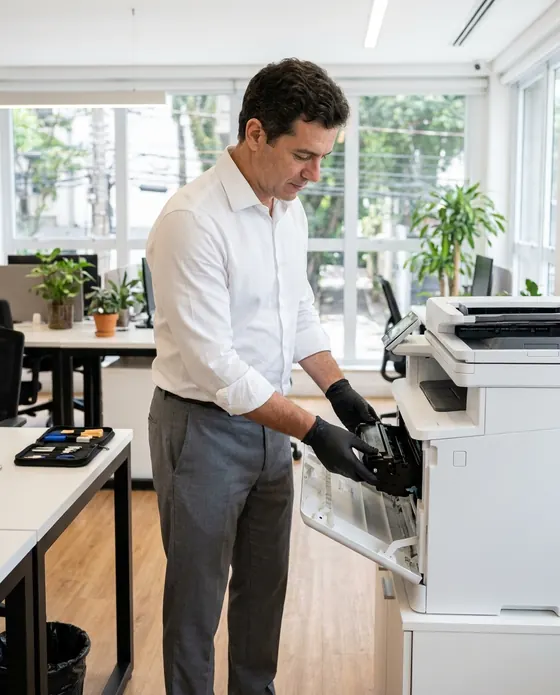
Illustrative image.
- Customer
- Patricia White
- Printer
- Laser multifunction · serial 8F42K
- Service
- Fuser repair and rail cleaning
- Total
- $530.00
Approved by customer
- Start free
- iPhone and Android
- Customers approve without installing anything
From the counter to pickup, nothing forgotten
Less time writing things down, more time at the bench. The machine comes in, the customer approves and you get paid.
Say the job and AI writes the order
On New order, tap Speak and say “Patricia's printer, fuser repair and rail cleaning”, or take a photo of the written request. The AI fills in the customer, services and parts with your catalog prices. You check it and save.
- Everything the AI filled in is marked with ✦, and you can undo it
- Fix it by speaking: “the fuser is 250”
- Every printer identified by its serial number
Show how it came in
Photograph the printer on the order. Want a standard check-in? Build your own checklist with what you check on every machine.
- Your way, with yes/no, notes and photos
- Photos on every checklist item
- One template for every machine
Customers approve from their phone
Maintenance, toner replacement and parts come from your catalog, already priced. The customer opens the order in a browser, approves it and leaves comments.
- The customer's yes is on file
- Customers see when the printer is ready
- Work order PDF to print or send
Hand over the machine and get paid
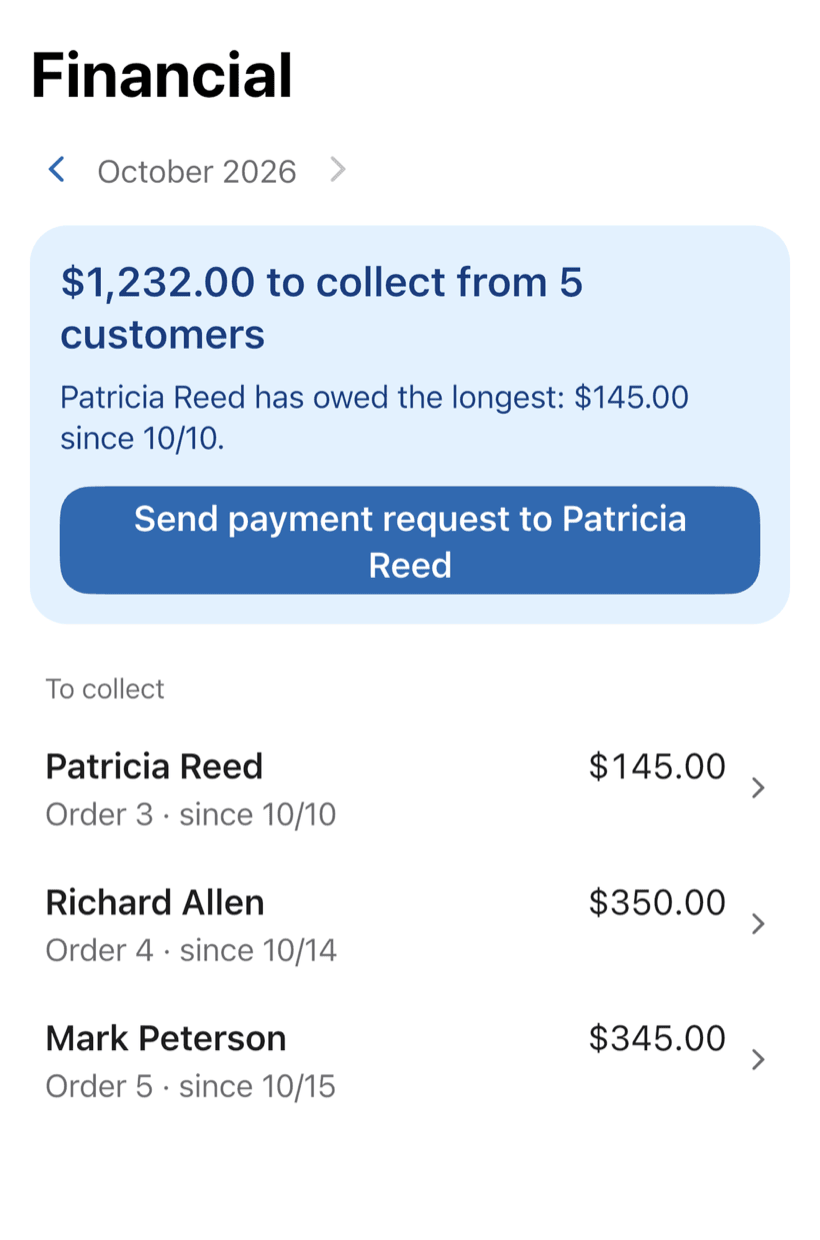
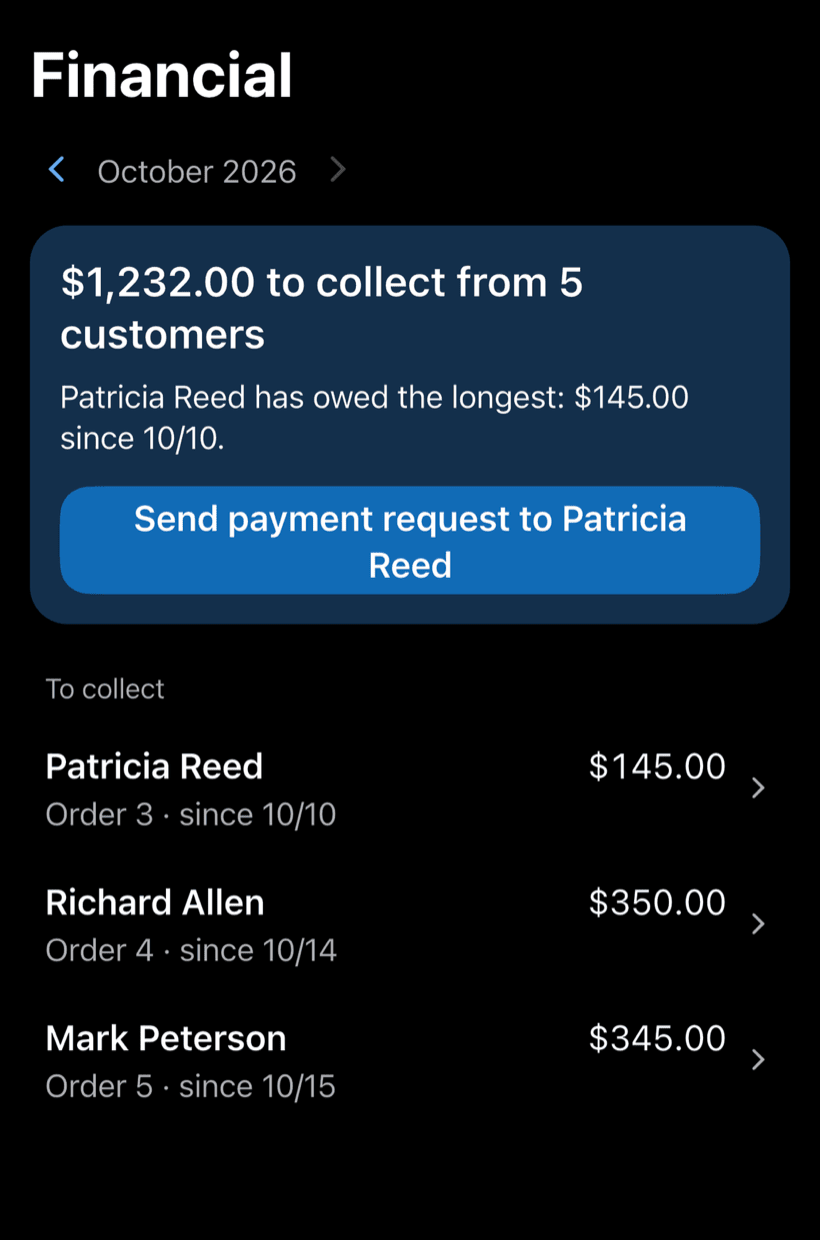
Record the payment in full or in parts, with a discount if needed. The Financial tab shows who still owes you, and you can send the customer a payment request.
- Payment in parts and discount on the same work order
- Monthly report of what came in
- Everyone who still owes you, in one list
Where a printer repair shop's money slips away
There's no shortage of machines on the counter. What costs you is the toner left off the bill, the repair done without the history and the finished printer nobody called about.
-
Which printer is this again?
The same machine comes back and nobody knows what was replaced last time.
Search by serial number or customer and see everything done on that printer, with services, parts and photos. You start the repair knowing the whole story.
-
Parts used but not billed
Rollers, drums, cartridges. Items that vanish from the bill in the rush.
Services and parts go on with your catalog prices and the total adds up instantly. Nothing left off the bill.
-
“Was that cover already broken?”
The customer points at damage and you can't show how the machine came in.
Photograph the printer at check-in. You can show how it came in and avoid the argument.
-
Quote sitting without an answer
The machine waits on the bench for the customer to decide, and nobody follows up.
Send the quote as a link. The customer approves from their phone, and the app nudges you when a quote goes unanswered.
-
Month closed with no idea what came in
Repairs and supply sales in the same notebook. Nobody knows who still owes.
Get paid in full or in parts and see what's still owed and by whom.
PraticOS speaks your trade's language
Pick your trade and the app is ready your way: vehicle at the auto shop, device at the phone repair shop, equipment in HVAC. Find yours:
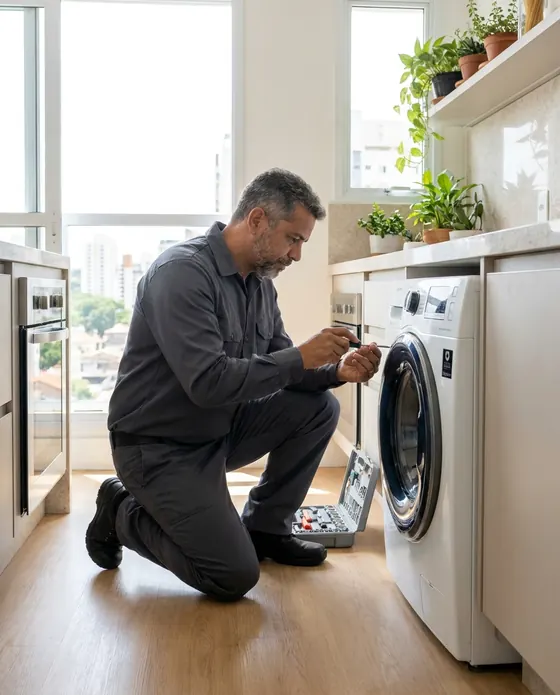






Illustrative images.
Questions from printer repair pros
Can't find yours? Send us an email and the PraticOS team will answer.
Do I have to pay to use it?
Not to get started. You can use it free, with no limit on work orders or customers. The free plan has a monthly limit on photos and AI use, and one checklist template. Paid plans, with more of each and a team, are available in the app.
Does it work for printers and copiers?
Yes. Pick Printers / Copiers and the app speaks your language: Printer, serial number and sample services such as toner replacement and fuser repair.
Can I see what was already done on a machine?
Yes. Type the serial number or the customer's name in the work order search and every order for that printer shows up, with services, parts and photos.
Can my technicians use it on their own phones?
If someone works with you, yes. Tap the profile button at the top of Home, go to Team and invite them with a code sent over WhatsApp, and they use the app on their own phone with a role, such as technician or manager. Inviting someone needs a paid plan, purchased inside the app.
Does the customer need to install an app?
No. They get a link, open it in their phone's browser and see the work order with photos and prices. They approve the quote and leave comments right there.
Download it and open your first order today.
Start free. Paid plans available in the app.
Questions? praticos@rafsoft.com.br FAQ